EDITING OR DELETING THE REGISTERED
BILLING CODE
Overview
You can change or delete the registered billing code.
Editing a billing code
Deleting a billing code
The billing code can also be edited or deleted from "Setting Mode".
Operation
Editing a billing code
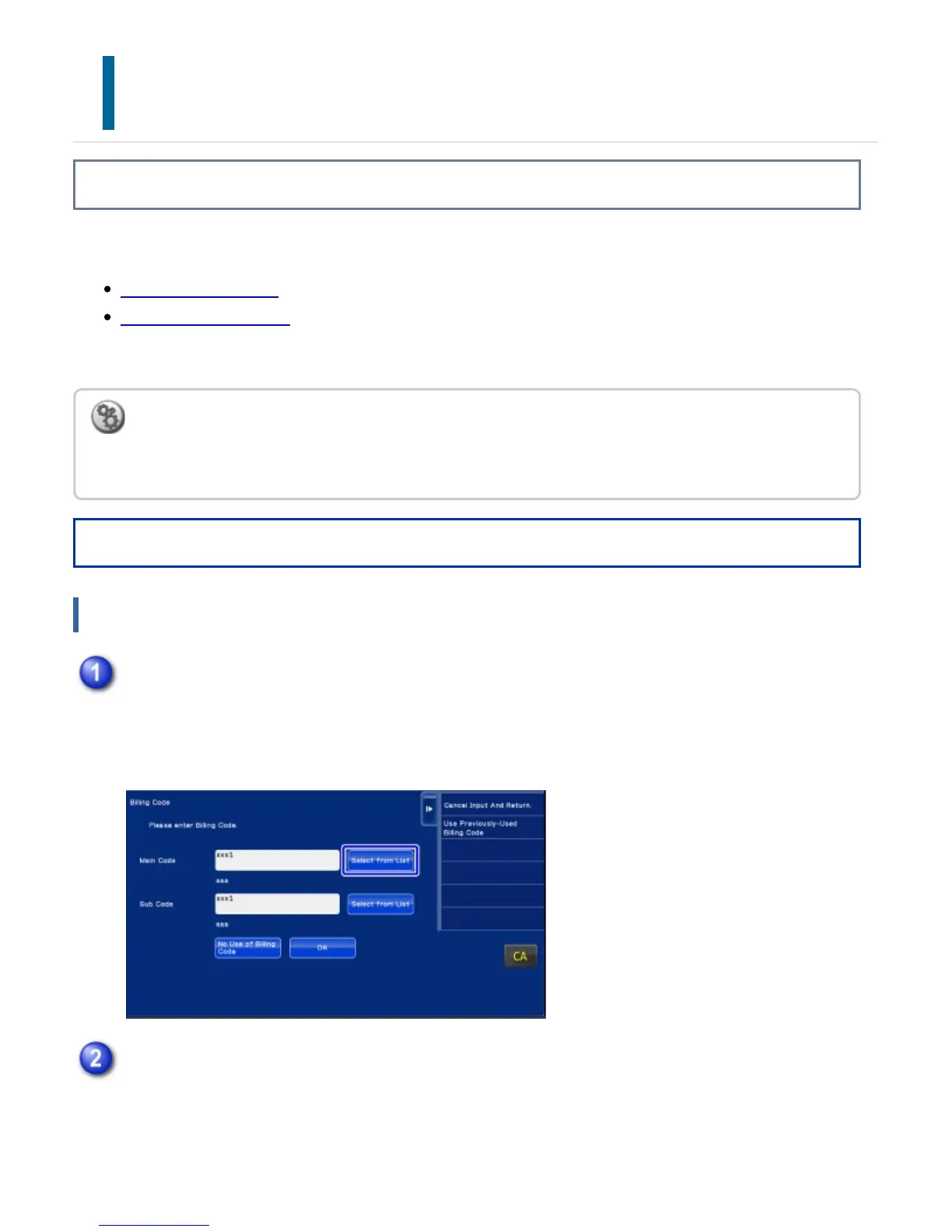
To register a new sub code, tap the [Select from List] key of the sub code.
The subsequent steps are the same as for the main code.
To edit or register a billing code from Setting Mode
Select "Setting Mode" - [Billing Code Setting] - [Main Code List] or [Sub Code List]. Edit or register a
main code in [Main Code List], and a sub code in [Sub Code List].
When the billing code entry window is displayed, tap the [Select from List] key of the
main code.
Tap the [Add/Edit Billing Code] key on the action panel
USER'S MANUAL | MX-M365N/MX-M465N/MX-M565N USER'S ... http://siica.sharpusa.com/portals/0/downloads/Manuals/MX-M365N-M...
172 of 1441 3/17/2016 7:14 AM



 To Next Page