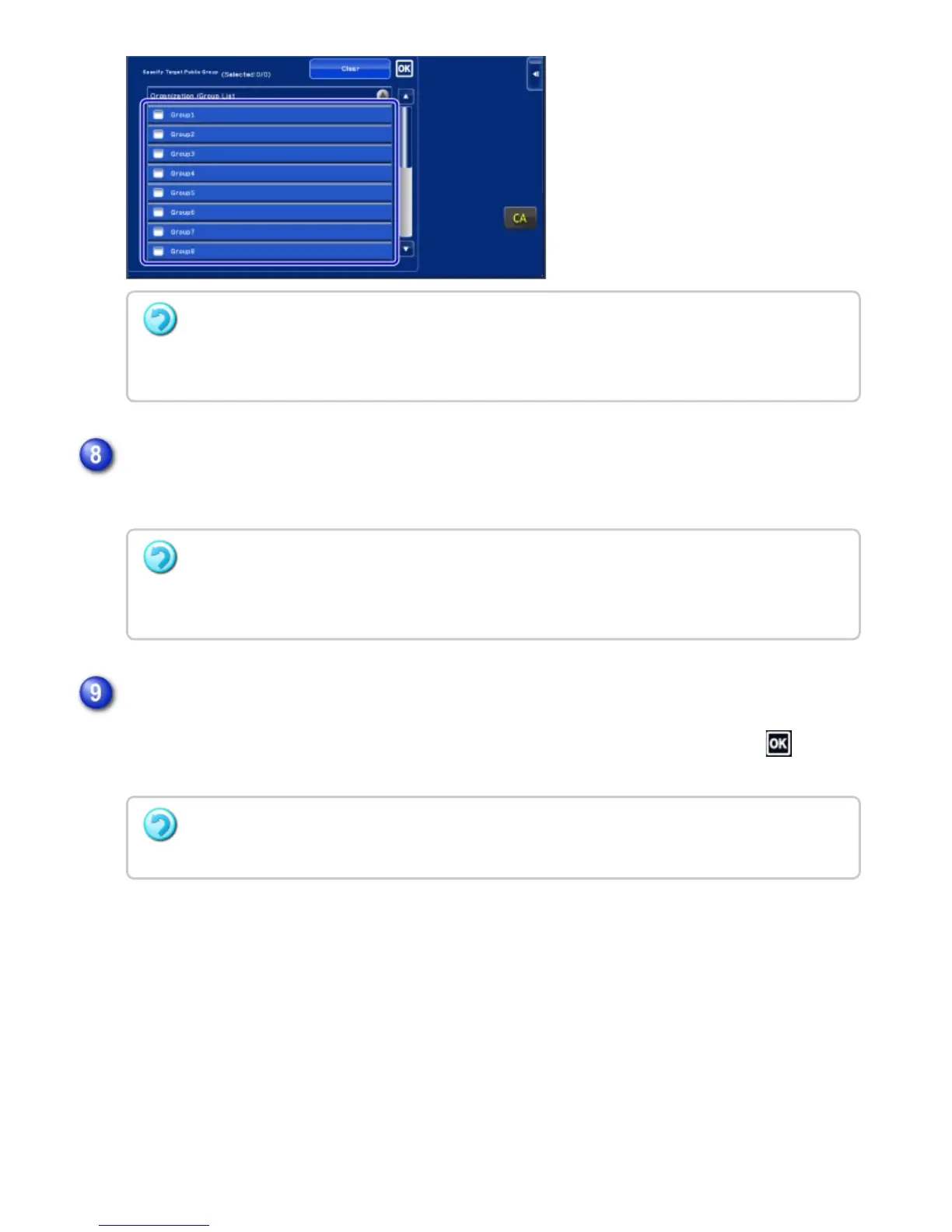
Execute steps 4 to 7 to register the main code.
This finalizes the registration and returns the screen to the previous window. Tap to finish
the registration procedure.
To cancel the setting
Tap the [Clear] key on the action panel. This cancels the registered public destination and
returns the screen to the previous window.
To continuously register other billing codes, tap [Register Next Billing Code.].
To cancel the registration
Tap the [Cancel and Return] key on the action panel. This cancels all the registered billing codes
and returns the screen to the previous window.
Tap the [End Registration] key on the action panel.
To return to the billing code entry window
Tap the [CA] key.
USER'S MANUAL | MX-M365N/MX-M465N/MX-M565N USER'S ... http://siica.sharpusa.com/portals/0/downloads/Manuals/MX-M365N-M...
171 of 1441 3/17/2016 7:14 AM



 To Next Page