REMOTE OPERATION OF THE MACHINE
Overview
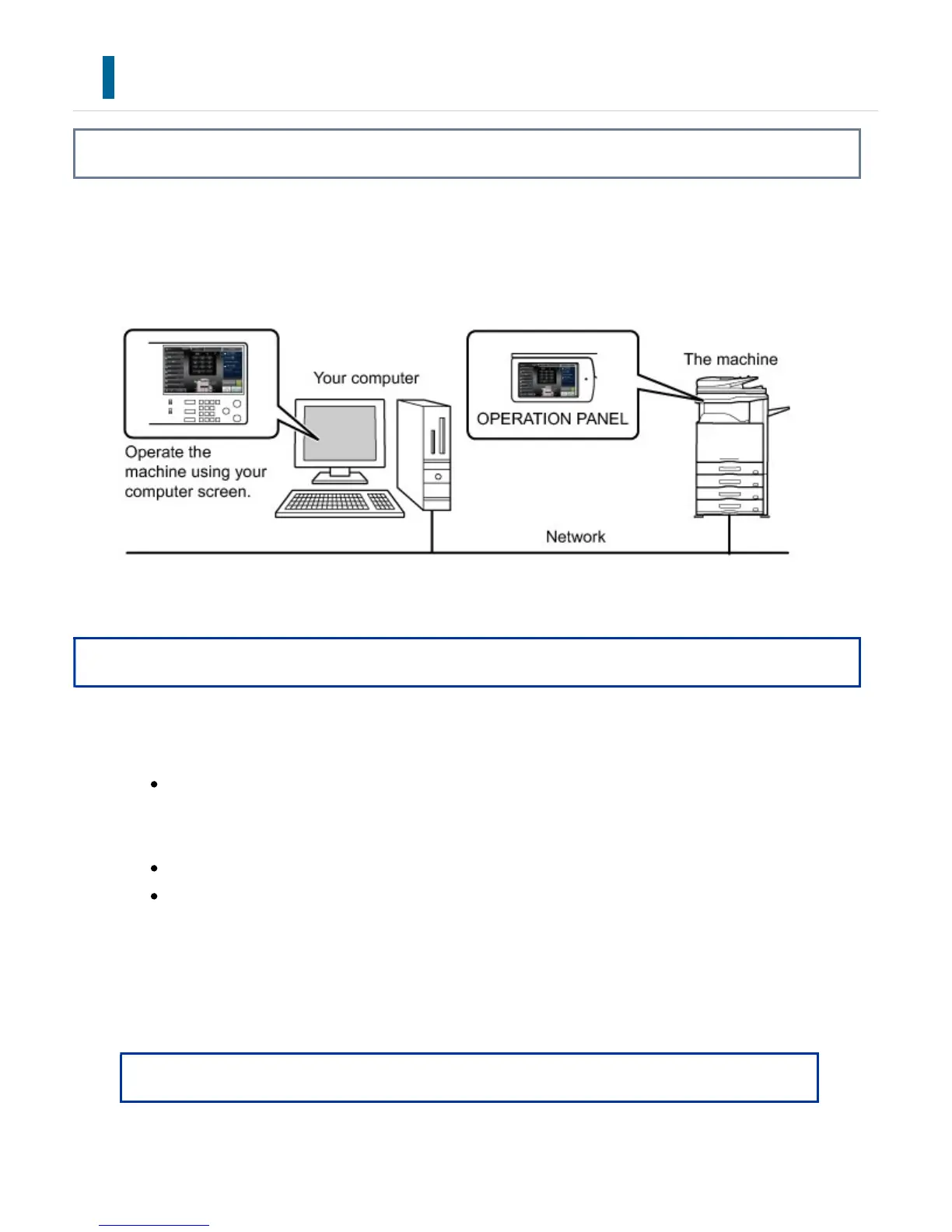
Remotely operate the machine on your computer.
You can operate the machine from the same panel as the machine's operation panel that
is displayed on your PC, with the same feel as operating in front of the machine.
The remote operation function can only be used on one computer at a time.
Operation
Before you can use the remote operation function, the following preparation is required.
In "Setting mode", select [System Settings] → [Operation Settings] → [Remote
Operation Settings] → [Remote Software Operation] and select [Allow] for
[Operational Authority].
Connect the machine to the network.
Install a VNC application software (recommended VNC software: RealIVNC) in your
computer.
After the preparation is completed, follow the operation described below to set up the
function.
Example: RealVNC
USER'S MANUAL | MX-M365N/MX-M465N/MX-M565N USER'S ... http://siica.sharpusa.com/portals/0/downloads/Manuals/MX-M365N-M...
176 of 1441 3/17/2016 7:14 AM



 To Next Page