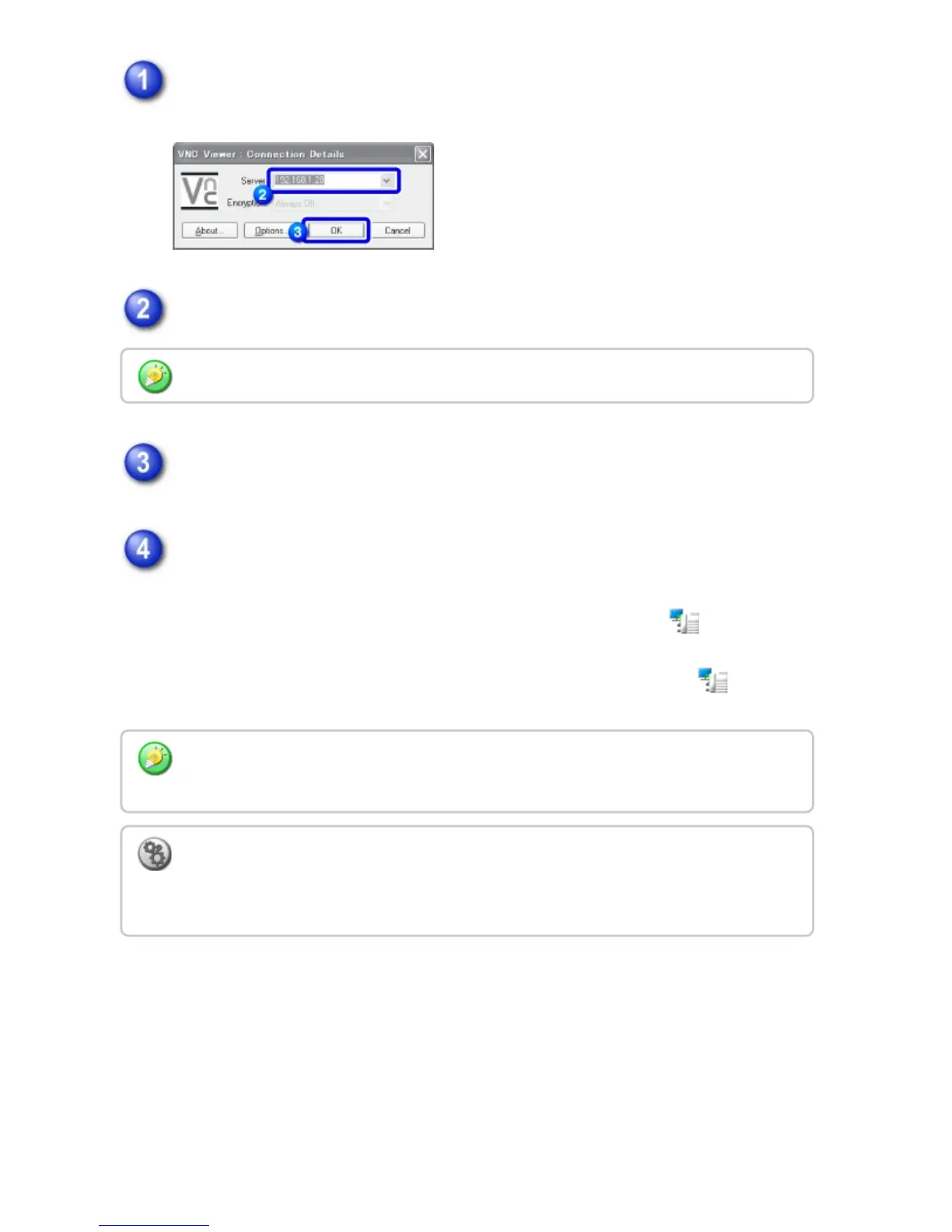
Start the VNC viewer.
Enter the IP address of the machine in the "Server" entry box.
Click the [OK] button.
Follow the prompts on the operation panel of the machine to permit the
connection.
When the machine is connected to a VNC application software, appears on
the system bar of the machine's touch panel.
If you wish to disconnect, exit the VNC application software or tap .
Check with the administrator of the machine for its IP address.
Use the operation panel in the same way as you would on the machine. However, you
cannot enter values in series by continuously clicking the key.
To set the operational authority for the remote operation function:
In "Setting mode", select [System Settings] → [Operation Settings] → [Remote
Operation Settings].
USER'S MANUAL | MX-M365N/MX-M465N/MX-M565N USER'S ... http://siica.sharpusa.com/portals/0/downloads/Manuals/MX-M365N-M...
177 of 1441 3/17/2016 7:14 AM



 To Next Page