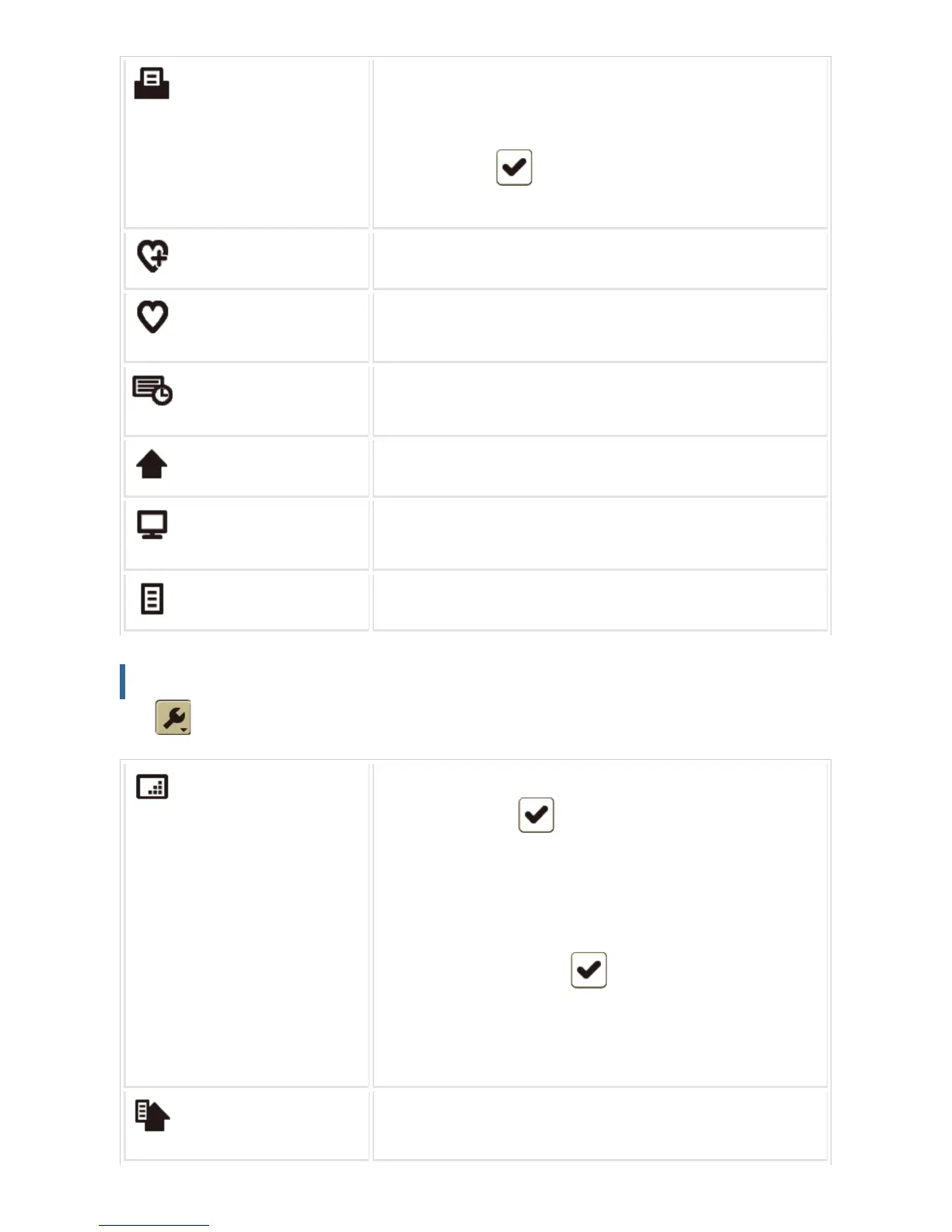
Print
Opens the print dialog.
Depending on the Web page, part of the page may not be printed.
In this case, open the [Print] menu and set the [Only Display Ar
ea] checkbox to in the [Option] tab to print the display are
a on the touch panel.
Add to Favorites
Adds the Web page currently displayed to the list of favorites.
List of Favorites
Displays the favorites list.
Web pages can be selected and opened from the favorites list.
History
Displays the history list in the order of viewing date from oldest.
Web pages can be selected and opened from the history list.
Go Home Page
Opens the home page.
Font and Magnification
Changes the character size, the font type to be displayed, or the
zoom ratio.
Page Information
Displays the information of the Web page currently displayed.
Settings list
Tap to display the settings list. The following shows the items of the settings list.
Display Settings
Changes the Web page display settings. The selected item with t
he checkbox set to can be displayed or enabled. The displ
ay settings of the following items can be changed.
Image / GIF Animation / Table / Match Contents with Screen W
idth /Javascript /Word Wrap /Japanese Hyphenation / Auto Cle
ar *
* With the checkbox set to , when the auto clear function i
s activated in the machine, the display is cleared and the screen
returns to that set in "Setting mode" → "Operation Settings"
→ "Various Setting" → "Default Display Settings".
Home Page Settings
Changes the home page, or selects whether to show/hide the h
ome page at the startup of the browser.
USER'S MANUAL | MX-M365N/MX-M465N/MX-M565N USER'S ... http://siica.sharpusa.com/portals/0/downloads/Manuals/MX-M365N-M...
179 of 1441 3/17/2016 7:14 AM



 To Next Page