COPYING SEQUENCE
First, tap the [Copy] icon on the home screen to enter the Copy mode.
SELECTING COPY MODE
Place the original.
Place the original in the document feeder tray of the automatic
document feeder, or on the document glass.
AUTOMATIC DOCUMENT FEEDER
DOCUMENT GLASS
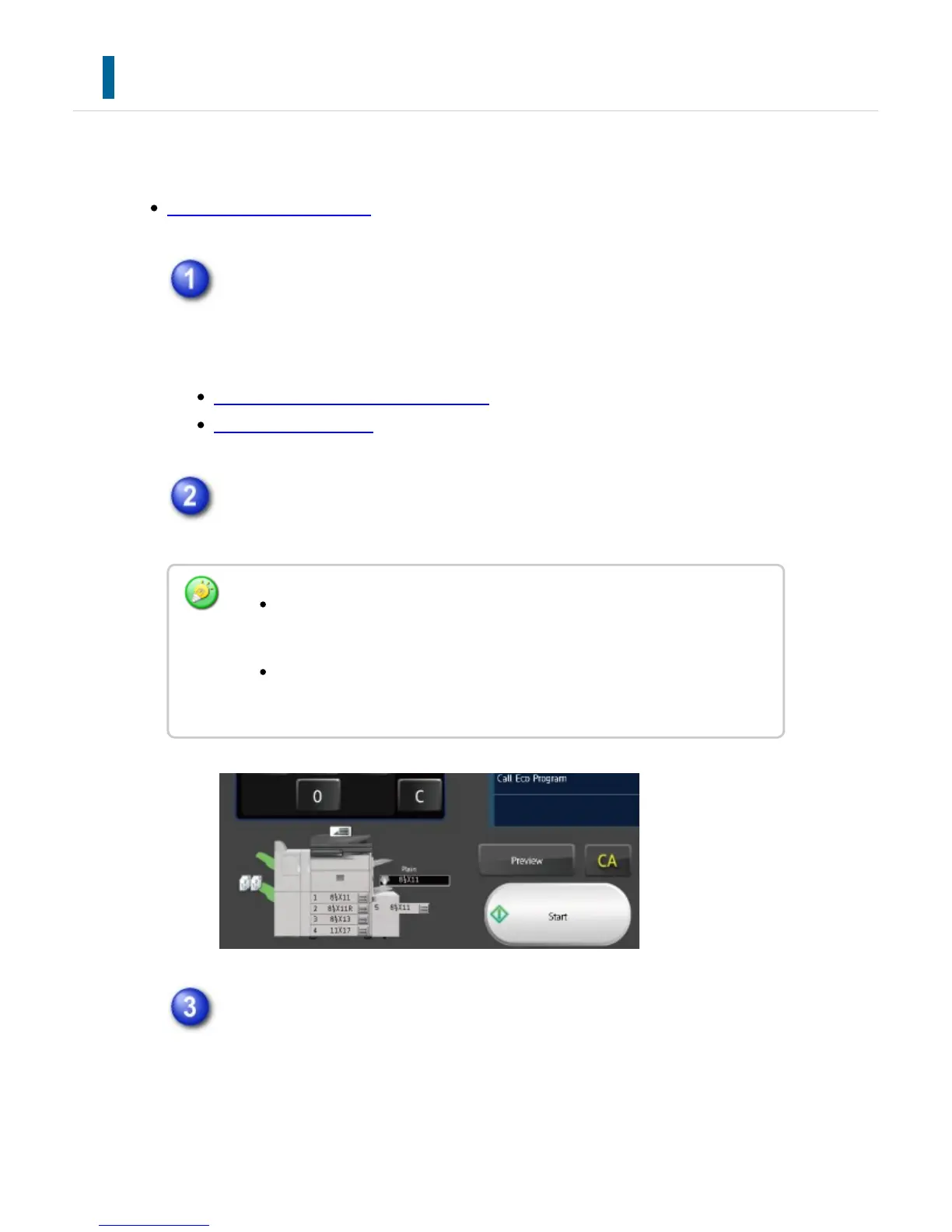
Scan the original.
Tap the [Preview] key to scan the original.
Check the preview image.
Display the preview image of the scanned original.
Check settings such as duplex and staple positions in the preview
screen.
To make 2-sided copies, configure the 2-sided copy settings before
scanning the original.
When not checking the preview image, tap the [Start] key to start
copying.
USER'S MANUAL | MX-M365N/MX-M465N/MX-M565N USER'S ... http://siica.sharpusa.com/portals/0/downloads/Manuals/MX-M365N-M...
209 of 1441 3/17/2016 7:14 AM



 To Next Page