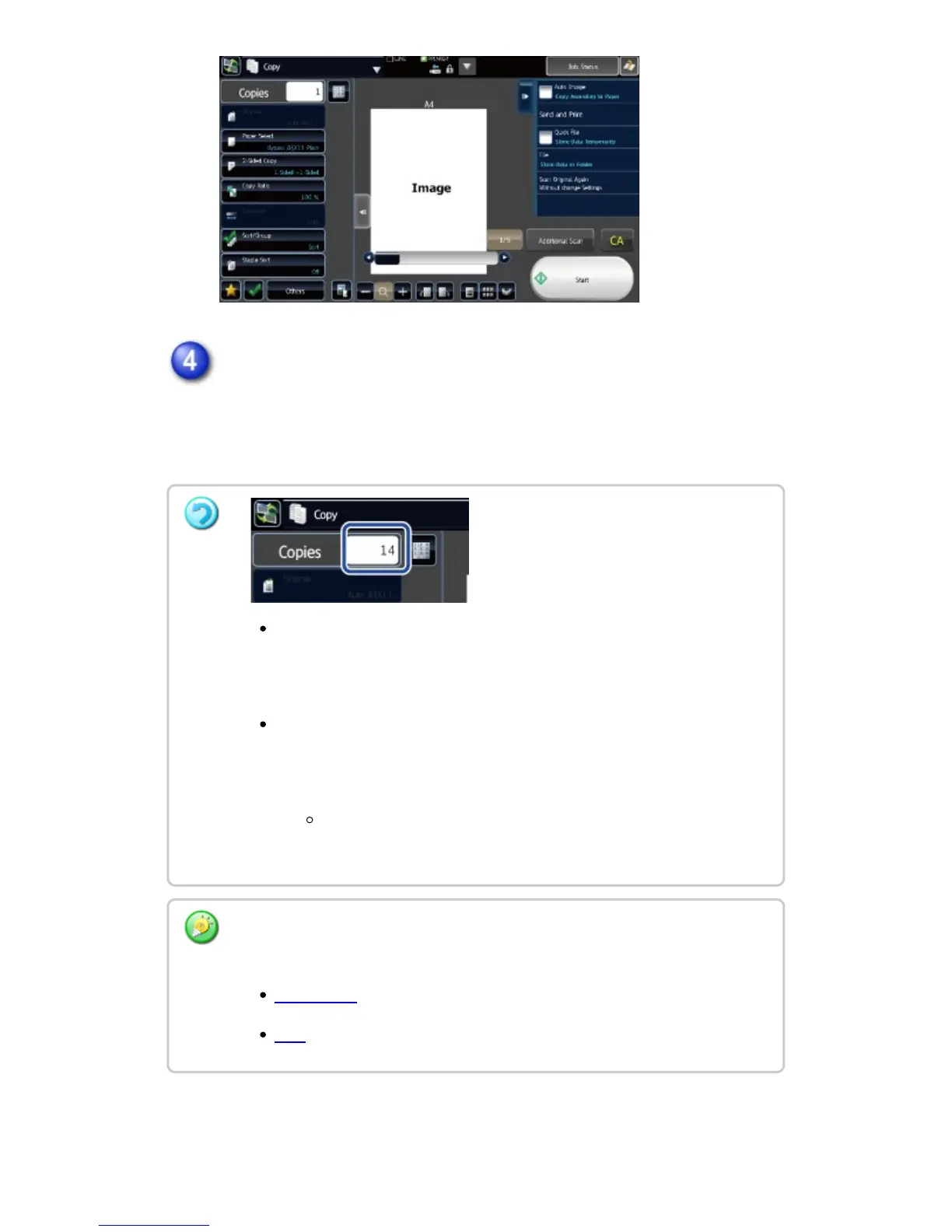
Start copying.
Tap the [Start] key.
When making only one set of copies, you do not need to specify the
number of copies.
To make two or more sets of copies:
Tap the copies display key to specify the number of copies.
To cancel all settings, tap the [CA] key.
When the [CA] key is tapped, all settings selected to that point are
cleared and you will return to the base screen.
To cancel copying:
Tap the [STOP] key.
Before starting copying, tap the [File] key or [Quick File] key on the action
panel to save the scanned original as data.
QUICK FILE
FILE
USER'S MANUAL | MX-M365N/MX-M465N/MX-M565N USER'S ... http://siica.sharpusa.com/portals/0/downloads/Manuals/MX-M365N-M...
210 of 1441 3/17/2016 7:14 AM



 To Next Page