Place the original in the automatic document feeder, and tap the [Preview]
key.
AUTOMATIC DOCUMENT FEEDER
Make sure that the desired paper (tray) is selected.
To change the paper (tray), tap the [Paper Select] key.
SELECTING THE PAPER TRAY FOR COPYING
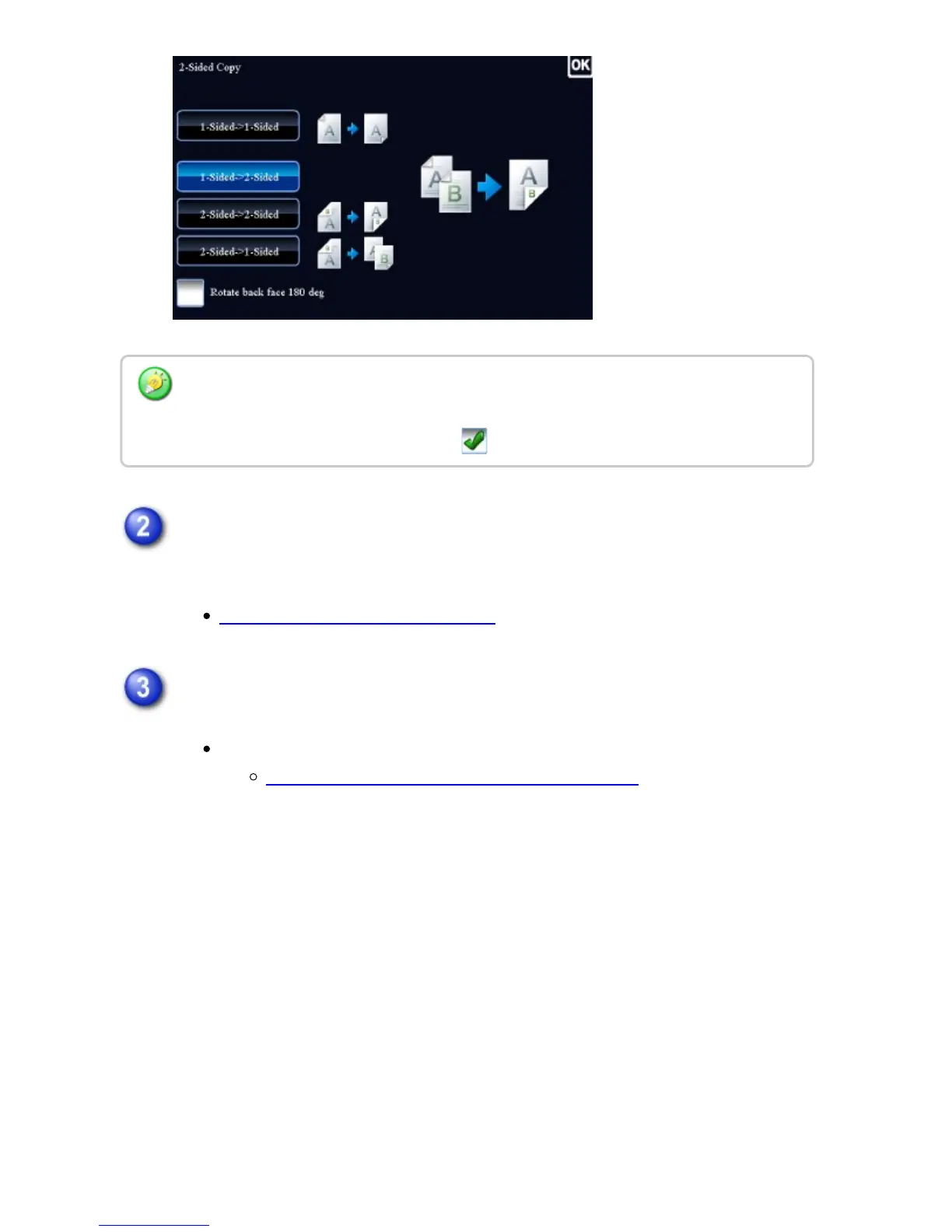
To make 2-sided copies of a 1-sided portrait original placed horizontally, or to invert the
reverse side with respect to the front side when copying a 2-sided original, set the
[Rotate back face 180 deg] checkbox to .
USER'S MANUAL | MX-M365N/MX-M465N/MX-M565N USER'S ... http://siica.sharpusa.com/portals/0/downloads/Manuals/MX-M365N-M...
222 of 1441 3/17/2016 7:14 AM



 To Next Page