Tap the [Start] key to start copying.
When making only one set of copies, you do not need to specify the number of
copies.
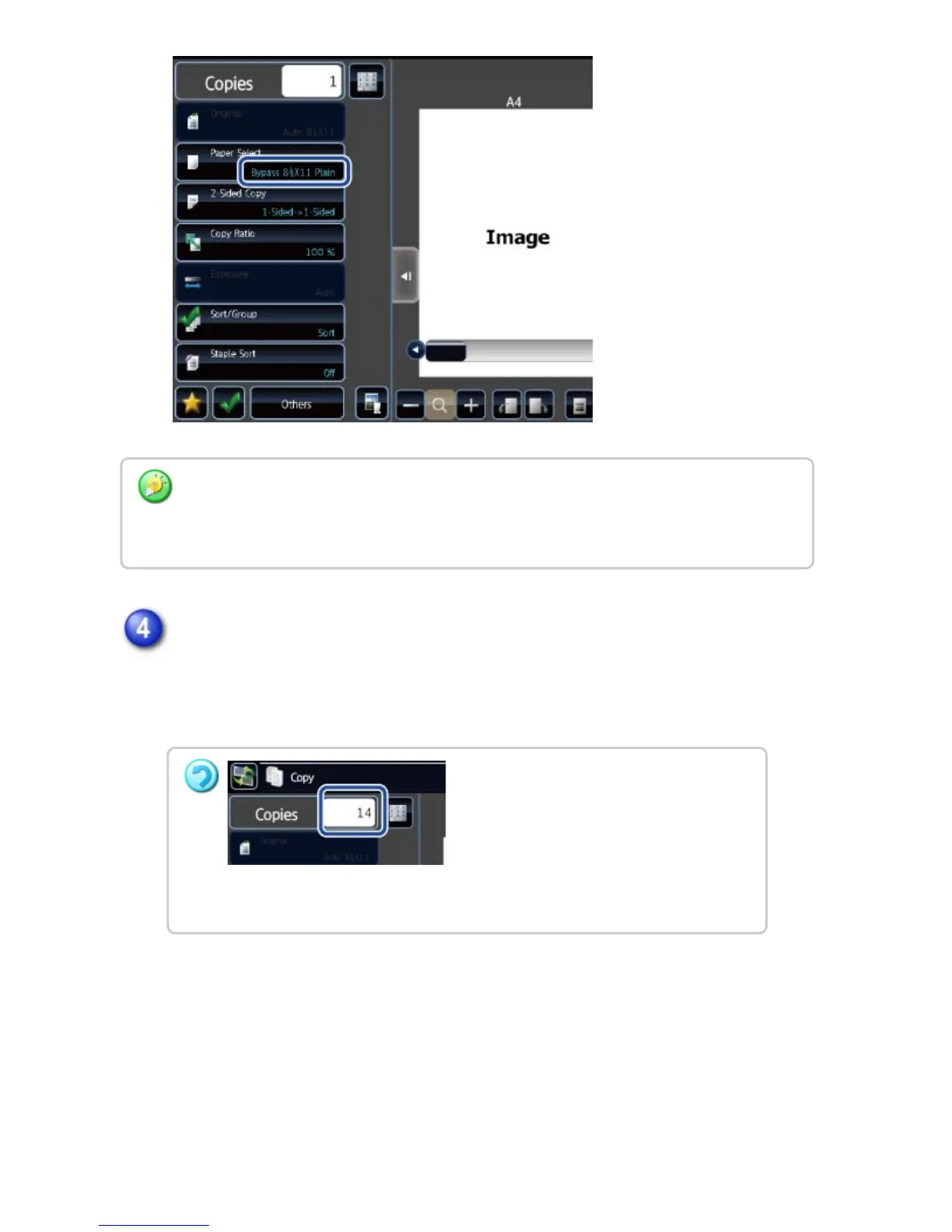
Depending on the size of the placed original, there may be cases where the same size of
paper as the original is not selected automatically. In this event, change the paper size
manually.
To make two or more sets of copies:
Tap the copies display key to specify the number of copies.
USER'S MANUAL | MX-M365N/MX-M465N/MX-M565N USER'S ... http://siica.sharpusa.com/portals/0/downloads/Manuals/MX-M365N-M...
223 of 1441 3/17/2016 7:14 AM



 To Next Page