USING THE DOCUMENT GLASS FOR 2-SIDED
COPYING
Overview
Operation
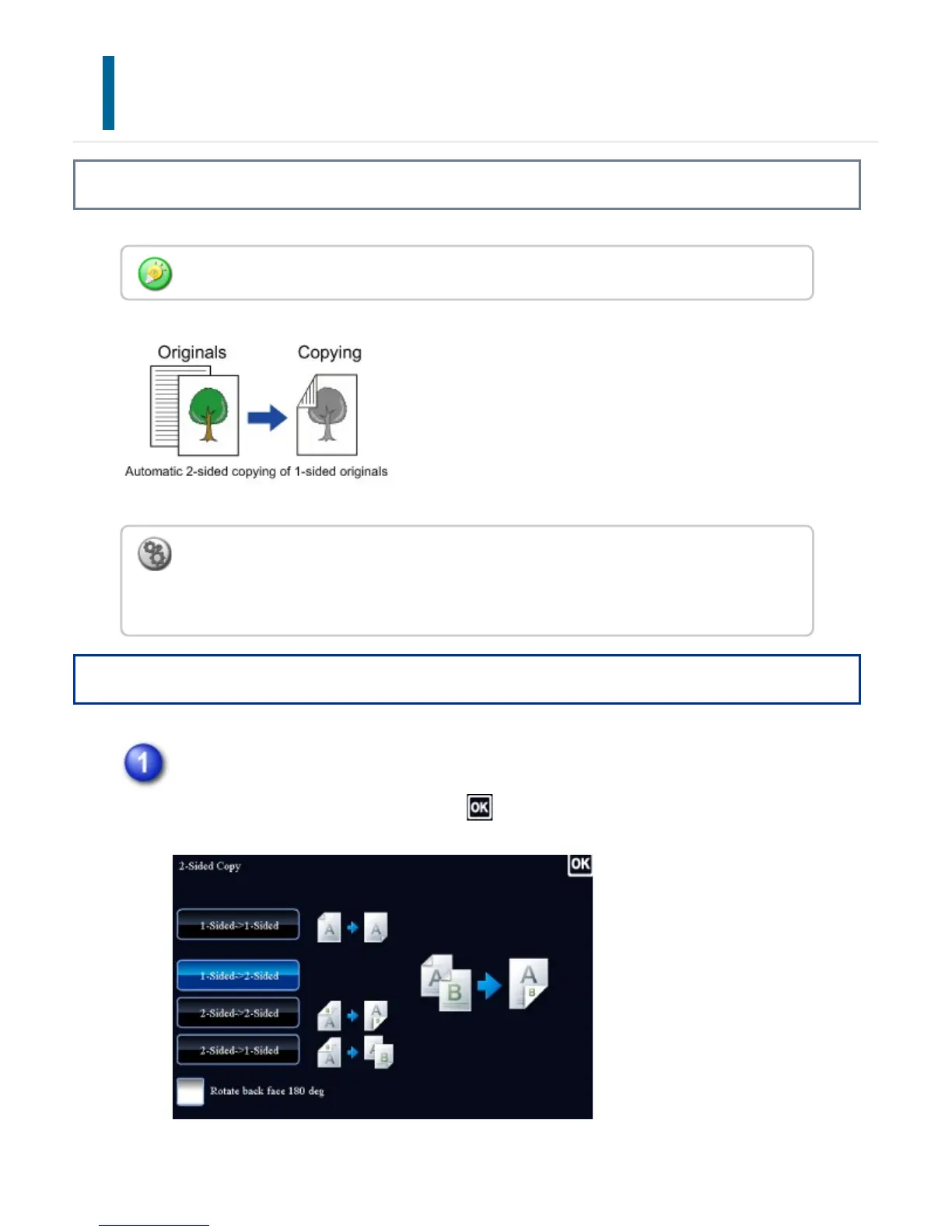
Tap the [2-Sided Copy] key, and tap the [1-Sided->2-Sided] key.
After the settings are completed, tap .
Dual-side copy helps to save paper.
To change the default 2-sided copy mode:
In "Setting mode", select [System Settings] → [Copy Settings] → [Initial Status Settings]
→ [2-Sided Copy].
USER'S MANUAL | MX-M365N/MX-M465N/MX-M565N USER'S ... http://siica.sharpusa.com/portals/0/downloads/Manuals/MX-M365N-M...
224 of 1441 3/17/2016 7:14 AM



 To Next Page