Place the original on the document glass, and tap the [Preview] key.
DOCUMENT GLASS
Set the next original, and tap the [Additional Scan] key to scan the original.
Repeat this step until all originals have been scanned.
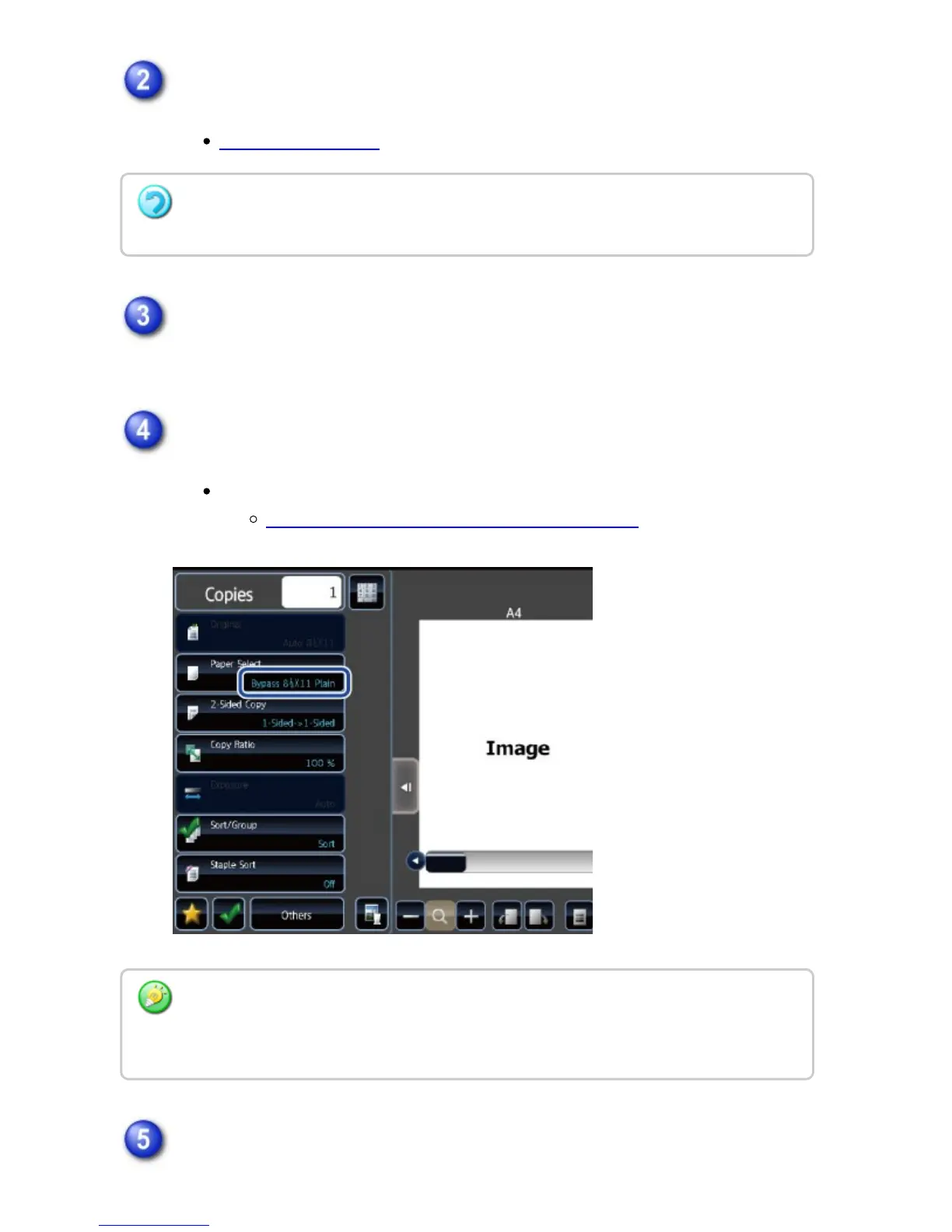
Make sure that the desired paper (tray) is selected.
To change the paper (tray), tap the [Paper Select] key.
SELECTING THE PAPER TRAY FOR COPYING
Tap the [Start] key to start copying.
The [2-Sided->2-Sided] key and [1-Sided->2-Sided] key cannot be used when copying
from the document glass.
Depending on the size of the placed original, there may be cases where the same size of
paper as the original is not selected automatically. In this event, change the paper tray
manually.
USER'S MANUAL | MX-M365N/MX-M465N/MX-M565N USER'S ... http://siica.sharpusa.com/portals/0/downloads/Manuals/MX-M365N-M...
225 of 1441 3/17/2016 7:14 AM



 To Next Page