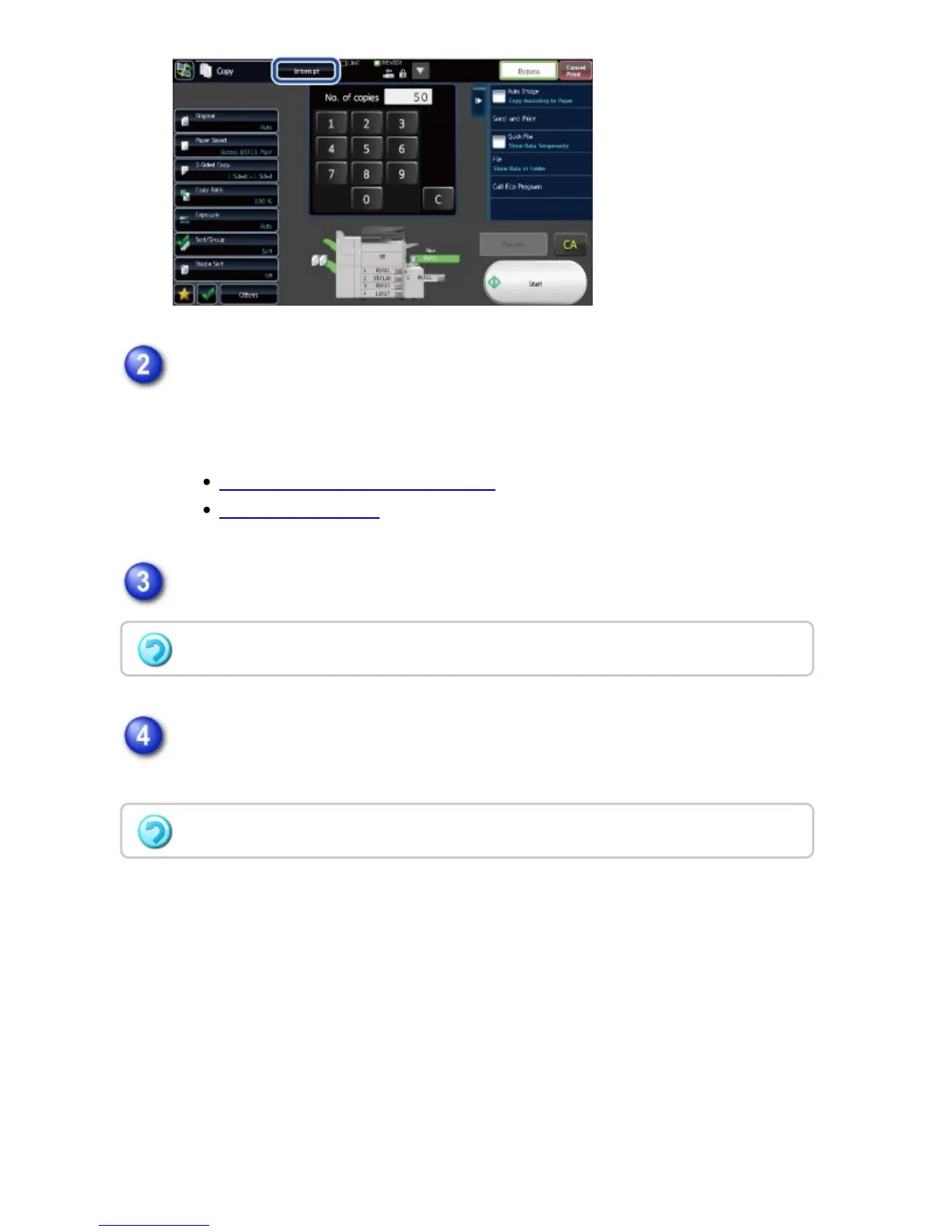
Place the original.
Place the original in the document feeder tray of the automatic document feeder,
or on the document glass.
AUTOMATIC DOCUMENT FEEDER
DOCUMENT GLASS
Configure copy settings.
Tap the [Start] key to start interrupt copying.
When the interrupt copy job is completed, the interrupted job resumes.
To cancel interrupt copy, tap the [Cancel] key.
The interrupt copy function does not display the preview of the scanned original.
USER'S MANUAL | MX-M365N/MX-M465N/MX-M565N USER'S ... http://siica.sharpusa.com/portals/0/downloads/Manuals/MX-M365N-M...
228 of 1441 3/17/2016 7:14 AM



 To Next Page