AUTOMATIC ADJUSTMENT OF EXPOSURE
AND ORIGINAL TYPE
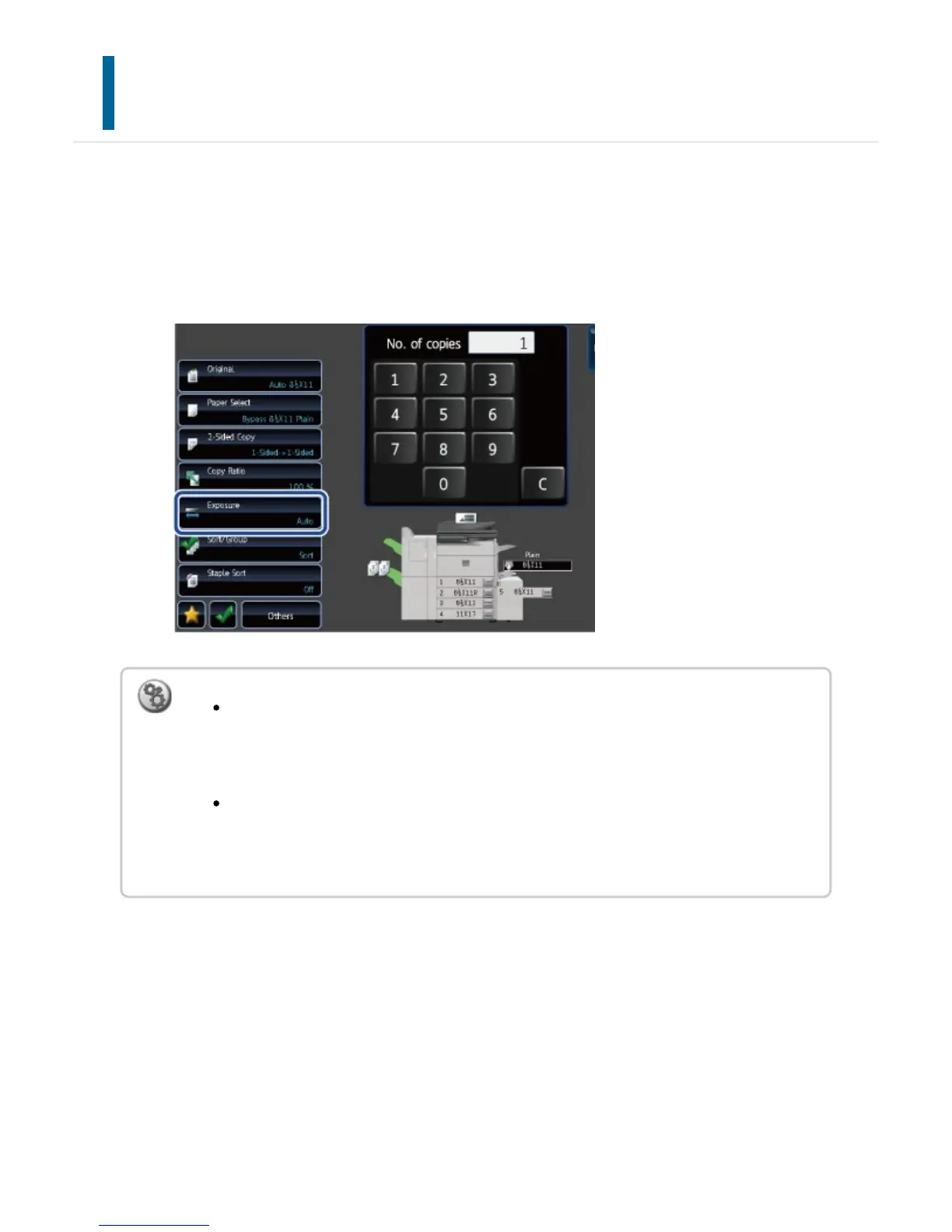
Automatic exposure adjustment operates by default to automatically adjust the exposure
level as appropriate for the original being copied. ("Auto" is displayed.)
This function automatically adjusts the image during copying to obtain the most suitable
copy.
To change the default exposure:
In "Setting mode", select [System Settings] → [Copy Settings] → [Initial Status
Settings] → [Exposure Type].
To adjust the exposure level when [Auto] is used for the copy exposure:
In "Setting mode", select [System Settings] → [Copy Settings] → [Copy Setting]
→ [Copy Exposure Adjustment].
USER'S MANUAL | MX-M365N/MX-M465N/MX-M565N USER'S ... http://siica.sharpusa.com/portals/0/downloads/Manuals/MX-M365N-M...
232 of 1441 3/17/2016 7:14 AM



 To Next Page