MANUAL ADJUSTMENT OF EXPOSURE AND
ORIGINAL TYPE
Overview
This section explains how to select the original type depending on the original to be
copied or manually adjust the exposure.
Operation
Tap the [Exposure] key.
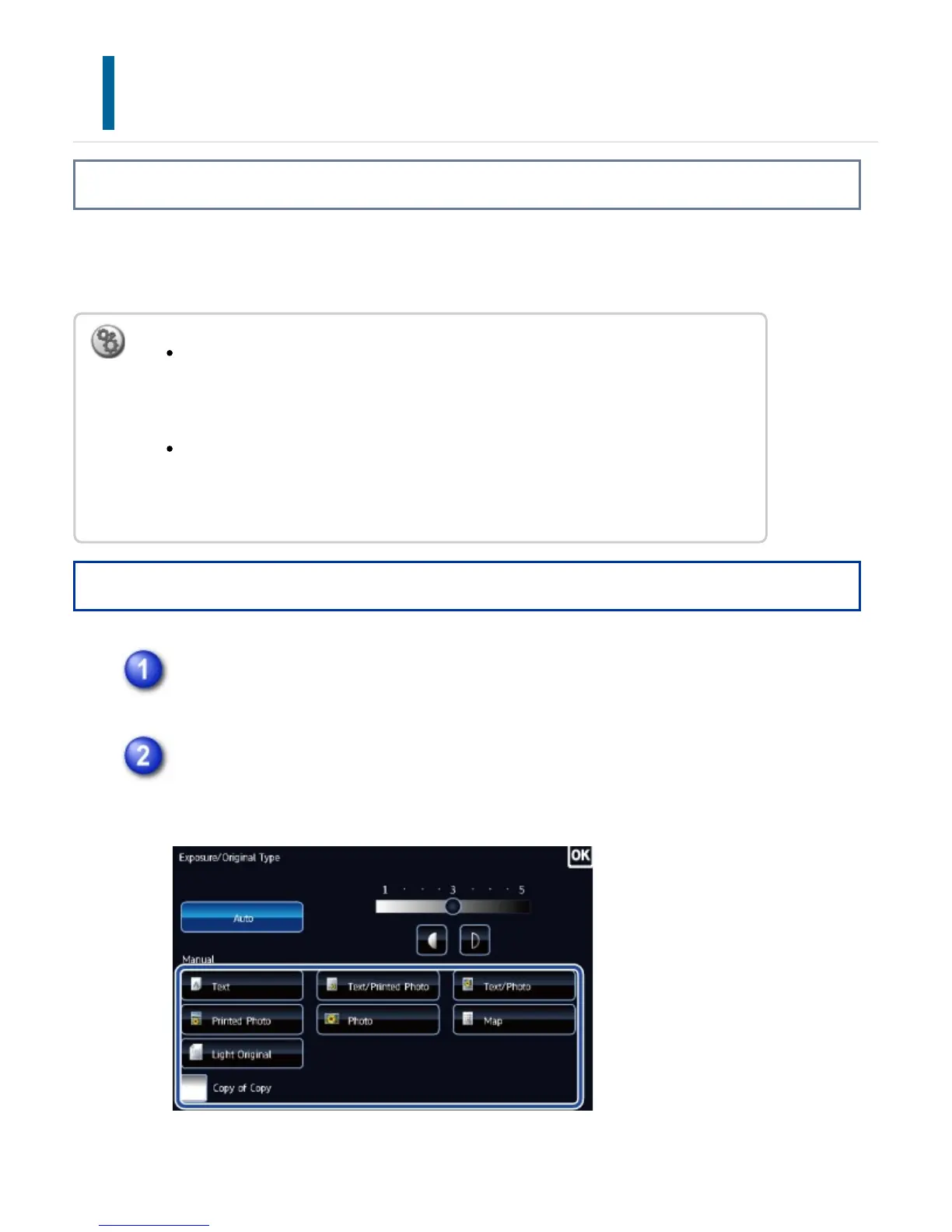
Tap the required original image type key to specify the original type.
Tap the key matching the original.
Original image type select keys
To change the default exposure:
In "Setting mode", select [System Settings] → [Copy Settings] → [Initial Status
Settings] → [Exposure Type].
To adjust the exposure level when [Auto] is used for the copy exposure:
In "Setting mode", select [System Settings] → [Copy Settings] → [Copy Setting]
→ [Copy Exposure Adjustment].
USER'S MANUAL | MX-M365N/MX-M465N/MX-M565N USER'S ... http://siica.sharpusa.com/portals/0/downloads/Manuals/MX-M365N-M...
233 of 1441 3/17/2016 7:14 AM



 To Next Page