AUTOMATIC RATIO SELECTION
Overview
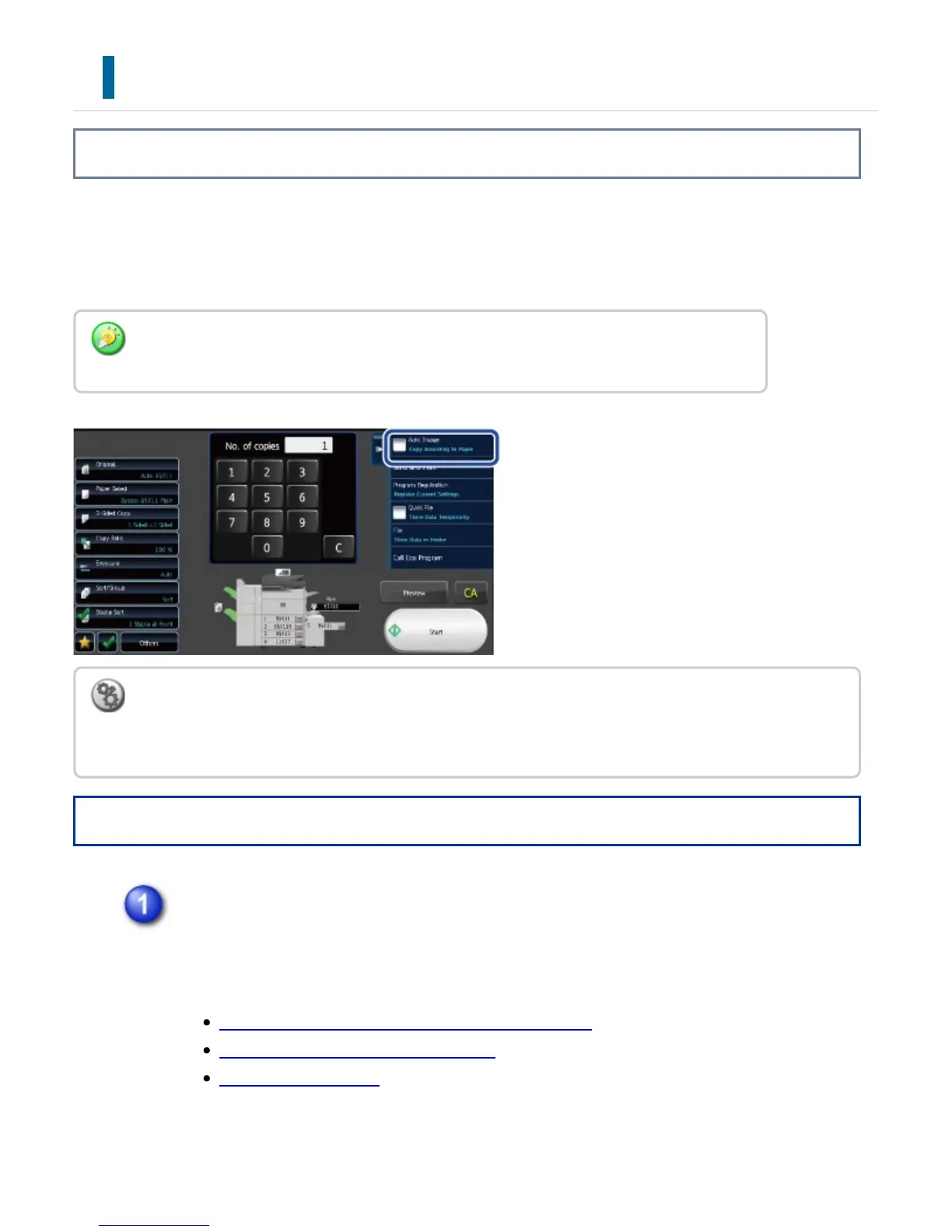
This section explains how to automatically select the appropriate ratio to meet the
paper size when manually changing the paper tray to make a copy on paper that has a
size different from the original.
Operation
Manually select the paper tray, and place the original.
Place the original in the document feeder tray of the automatic document feeder,
or on the document glass.
SELECTING THE PAPER TRAY FOR COPYING
AUTOMATIC DOCUMENT FEEDER
DOCUMENT GLASS
For a non-standard size original, the size must be entered in order to use Auto
Magnification Selection.
To change the default ratio:
In "Setting mode", select [System Settings] → [Copy Settings] → [Initial Status Settings] → [Copy
Ratio].
USER'S MANUAL | MX-M365N/MX-M465N/MX-M565N USER'S ... http://siica.sharpusa.com/portals/0/downloads/Manuals/MX-M365N-M...
236 of 1441 3/17/2016 7:14 AM



 To Next Page