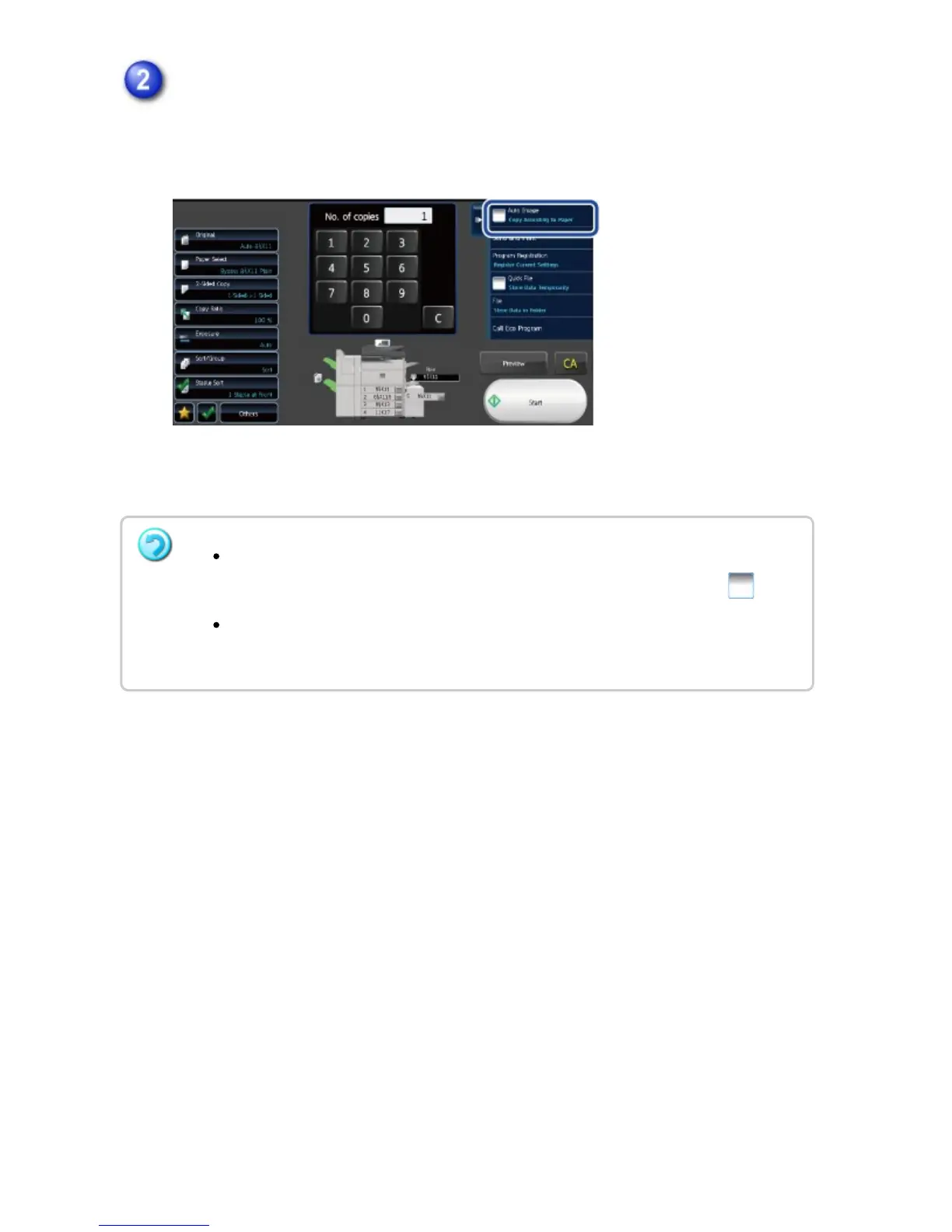
Tap the [Auto Image] key on the action panel.
The reduction or enlargement ratio is automatically selected based on the original
size and the selected paper size.
The automatically selected ratio will appear in the ratio display.
To cancel the Auto Ratio Selection setting:
Tap the [Auto Image] key on the action panel to clear the check box like .
To return the ratio to 100%:
Tap the [Copy Ratio] key to display the ratio menu, and then tap the [100%] key.
USER'S MANUAL | MX-M365N/MX-M465N/MX-M565N USER'S ... http://siica.sharpusa.com/portals/0/downloads/Manuals/MX-M365N-M...
237 of 1441 3/17/2016 7:14 AM



 To Next Page