MANUAL RATIO SELECTION
Overview
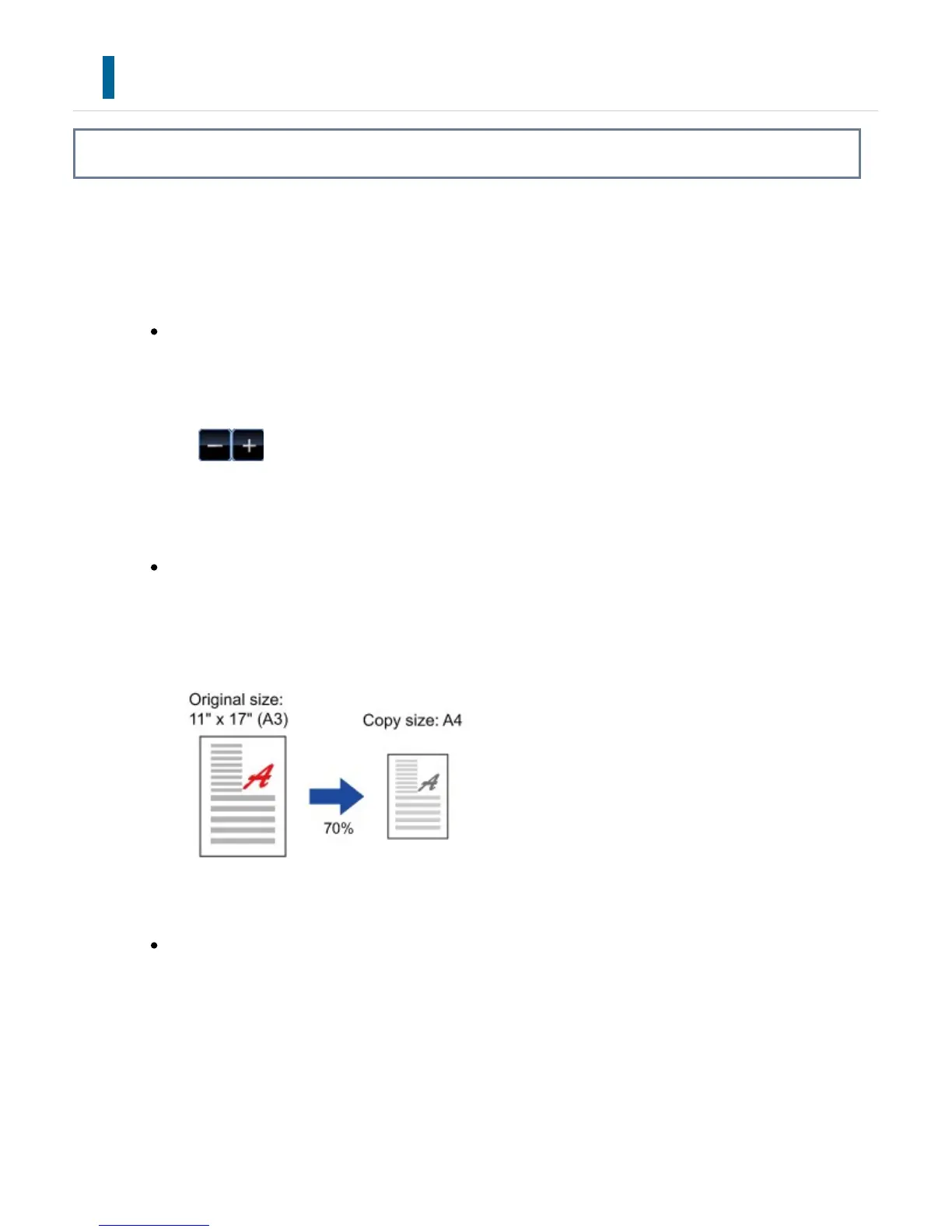
This section explains how to specify any ratio when making a copy on paper that has a
size different from the original or changing the image size for copying.
The following three methods can be used to specify the ratio.
Using the preset ratio key
Specify any ratio by combination of preset ratio key, for which the enlargement
and reduction ratio values are pre-registered between the frequently used
standard sizes, with the zoom key, which allows you to adjust the ratio in 1% units
like .
Up to two ratio values can be added to preset ratio keys, respectively for
enlargement and reduction.
Specifying the paper size
Specify the paper sizes of the original and output to automatically obtain the
appropriate ratio.
Specifying the image dimensions
Specify the image sizes of the original and output to automatically obtain the
appropriate ratio.
To make a copy with the same ratio between the vertical and horizontal sizes,
enter either one of the vertical and horizontal sizes.
USER'S MANUAL | MX-M365N/MX-M465N/MX-M565N USER'S ... http://siica.sharpusa.com/portals/0/downloads/Manuals/MX-M365N-M...
238 of 1441 3/17/2016 7:14 AM



 To Next Page