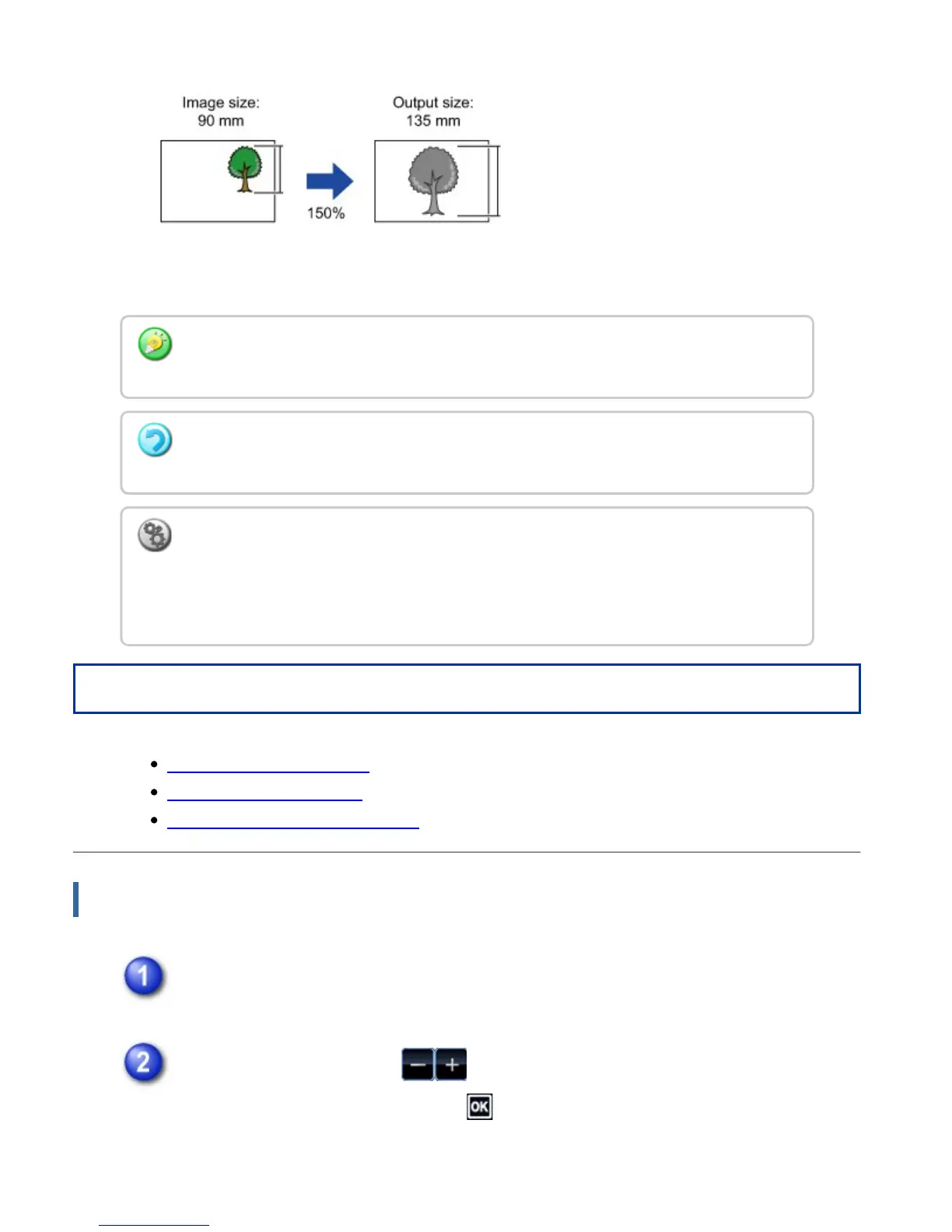
Operation
Using the preset ratio key
Specifying the paper size
Specifying the image dimensions
Using the preset ratio key
Tap the [Copy Ratio] key.
Tap the preset ratio key or key to set the ratio.
After the settings are completed, tap .
Check that a paper size suitable for the ratio is selected.
When the automatic document feeder is used, the vertical and horizontal ratio selection
ranges are both between 25% to 200%.
To return the ratio to 100%:
Tap the [Copy Ratio] key to display the ratio menu, and then tap the [100%] key.
To add any ratio as a preset ratio:
In "Setting mode", select [System Settings] → [Copy Settings] → [Copy Setting] → [Add
or Change Extra Preset Ratios]. To select the added preset ratio, tap the [Other Ratio]
key.
USER'S MANUAL | MX-M365N/MX-M465N/MX-M565N USER'S ... http://siica.sharpusa.com/portals/0/downloads/Manuals/MX-M365N-M...
239 of 1441 3/17/2016 7:14 AM



 To Next Page