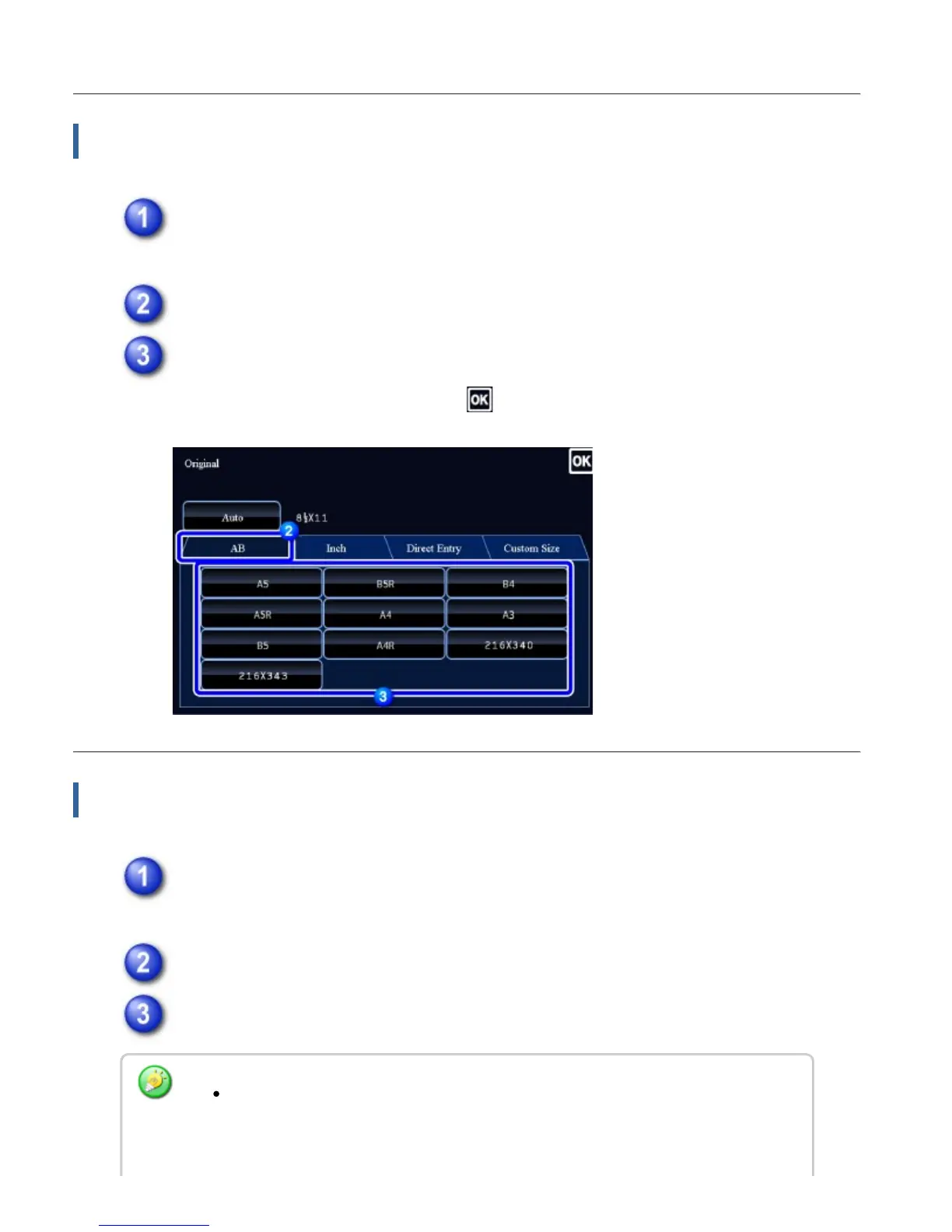
Specifying an AB original size
Tap the [Original] key.
Tap the [AB] tab.
Tap the appropriate original size key.
After the settings are completed, tap .
Specifying a non-standard original size
Tap the [Original] key.
Tap the [Direct Entry] tab.
Specify the original size.
Tap the areas displaying width and height sizes respectively, and enter the sizes
using the numeric keys.
USER'S MANUAL | MX-M365N/MX-M465N/MX-M565N USER'S ... http://siica.sharpusa.com/portals/0/downloads/Manuals/MX-M365N-M...
248 of 1441 3/17/2016 7:14 AM



 To Next Page