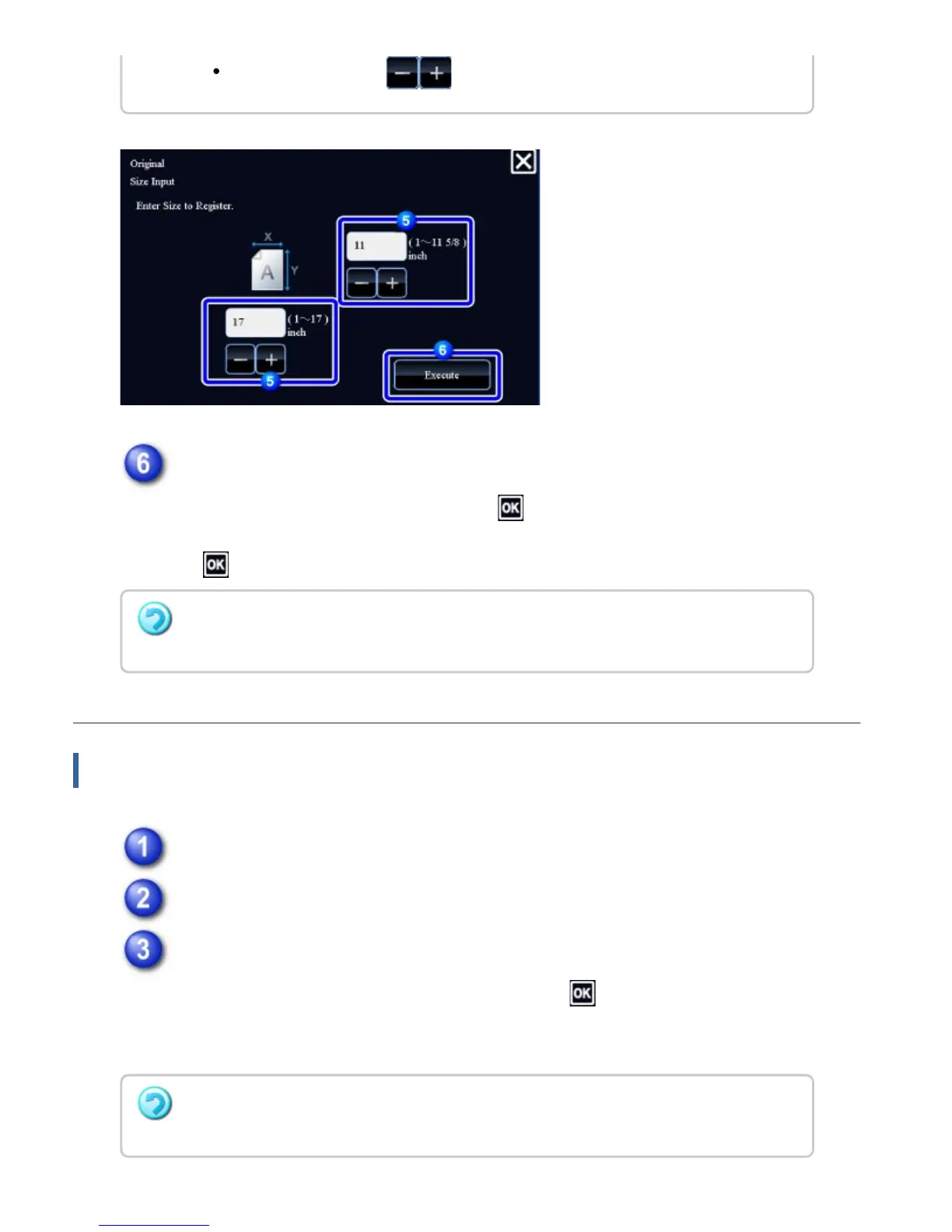
Tap the [Execute] key.
After the settings are completed, tap the key, and check that the key of the
size stored on the original screen is added properly. After you have checked it,
tap .
Retrieving a stored original size
Tap the [Original] key.
Tap the [Custom Size] tab.
Tap the key of the original size that you wish to retrieve.
After selecting the key of the original size, tap the key.
On the base screen, check that the specified size is displayed on the [Original]
key.
It is convenient to use to finely adjust the entered size.
To cancel the operation
Tap the [CA] key.
To cancel the operation
Tap the [CA] key.
USER'S MANUAL | MX-M365N/MX-M465N/MX-M565N USER'S ... http://siica.sharpusa.com/portals/0/downloads/Manuals/MX-M365N-M...
252 of 1441 3/17/2016 7:14 AM



 To Next Page