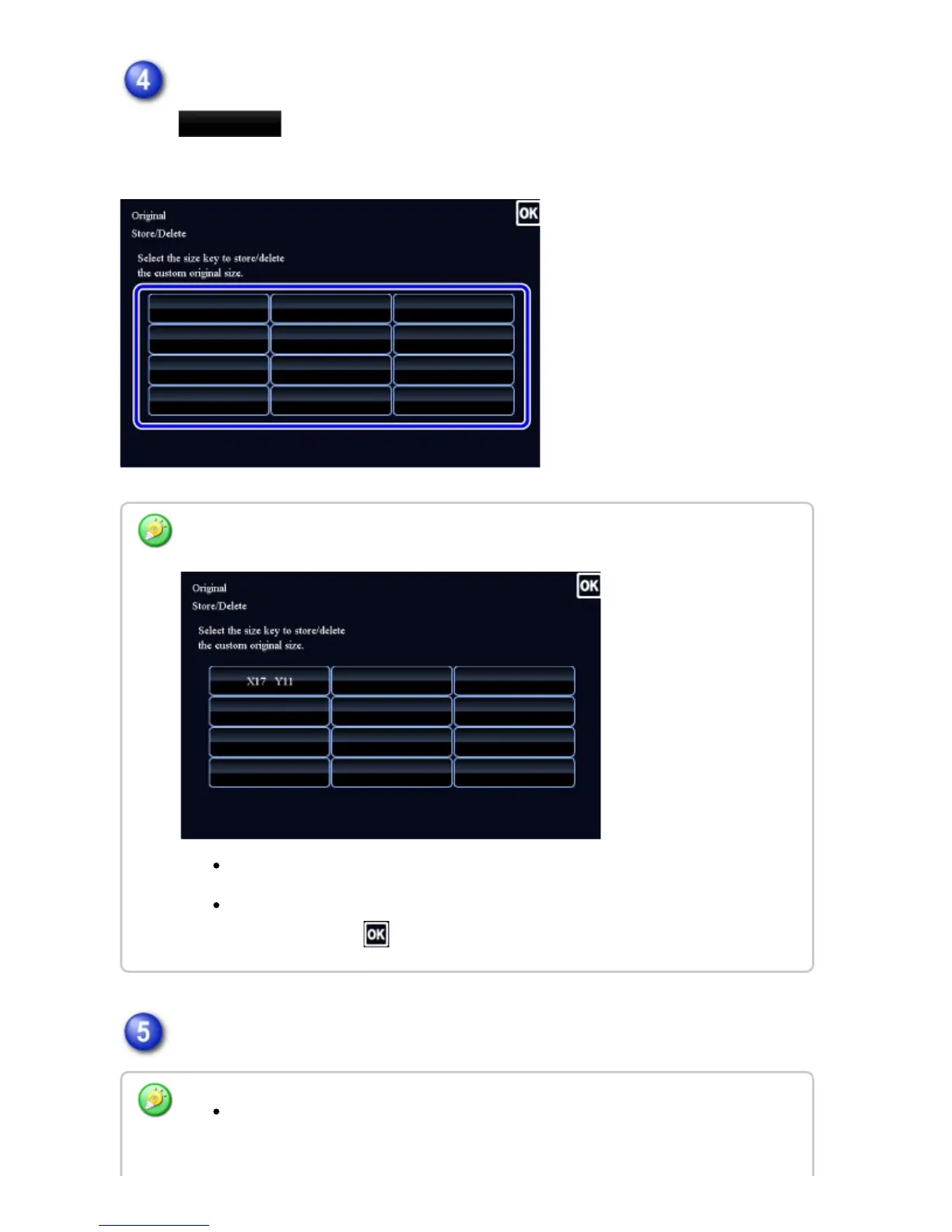
Tap a key
( ) for storing a custom original size.
Tap a key that does not show a size.
Specify the original size.
To edit or clear a previously stored key:
Tap the key that you want to edit or clear. The following screen will appear.
To edit the key, tap the [Modify] key and go to the next step.
To clear the key, tap the [Delete] key. Make sure that the original size has been
cleared and tap the key.
Tap the areas displaying width and height sizes respectively, and enter the sizes
using the numeric keys.
USER'S MANUAL | MX-M365N/MX-M465N/MX-M565N USER'S ... http://siica.sharpusa.com/portals/0/downloads/Manuals/MX-M365N-M...
251 of 1441 3/17/2016 7:14 AM



 To Next Page