PUNCH SETTING
Overview
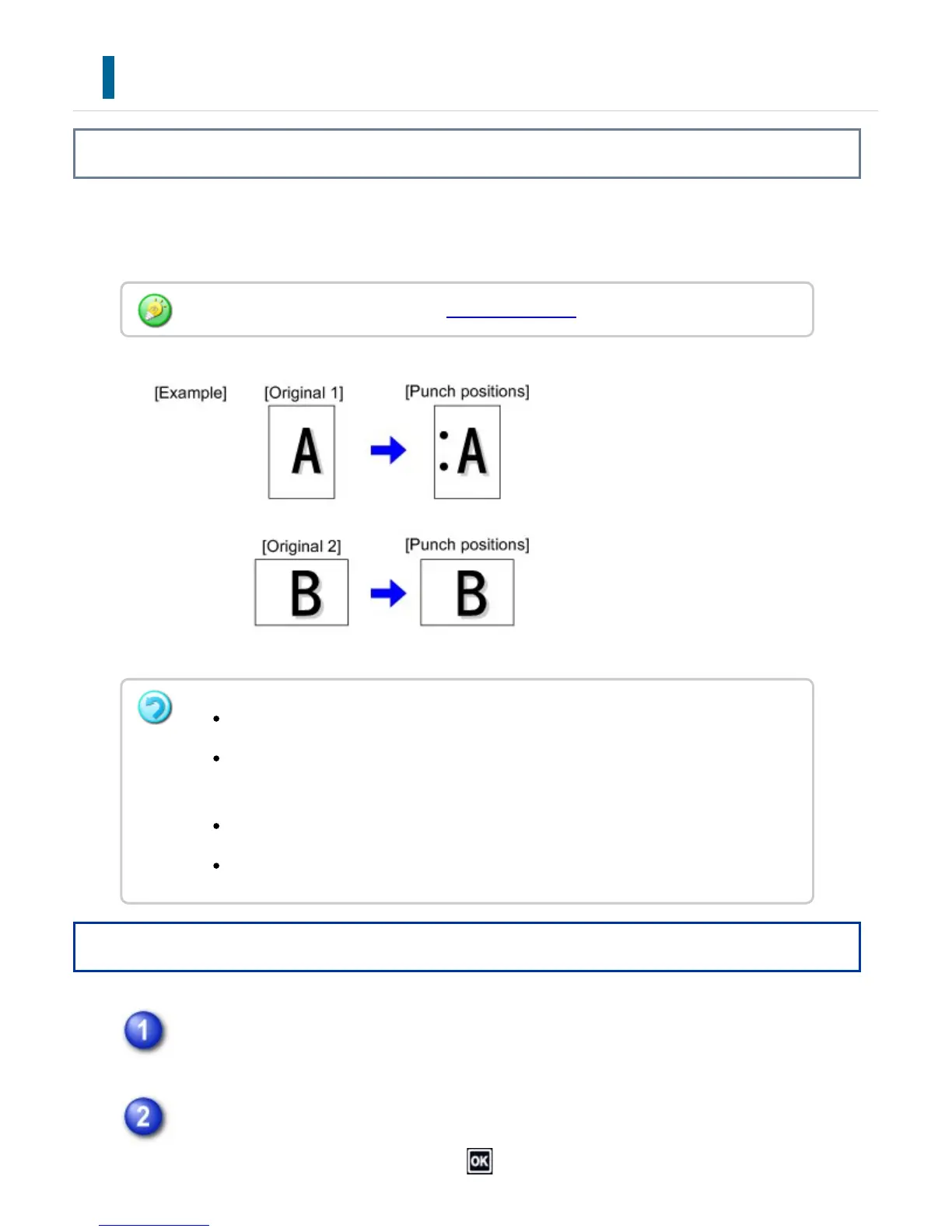
This function punches copies and outputs them to the tray. You can select paper size of
7-1/4" x 10-1/2"R to 11" x 17" (A4, A3) for punching.
Operation
Tap the [Others] key, and tap the [Punch] key.
Tap the [On] key.
After the settings are completed, tap and [Back] keys in sequence.
You can view punch positions on the "PREVIEW SCREEN".
A punch module is required for paper punch.
You cannot use 12" x 18" (A3W) size papers, and special media such as
transparency film and tab papers.
You cannot use heavy paper as thick as 129 g/m
2
over.
You cannot use a paper punch together with the staple and paper folding.
USER'S MANUAL | MX-M365N/MX-M465N/MX-M565N USER'S ... http://siica.sharpusa.com/portals/0/downloads/Manuals/MX-M365N-M...
263 of 1441 3/17/2016 7:14 AM



 To Next Page