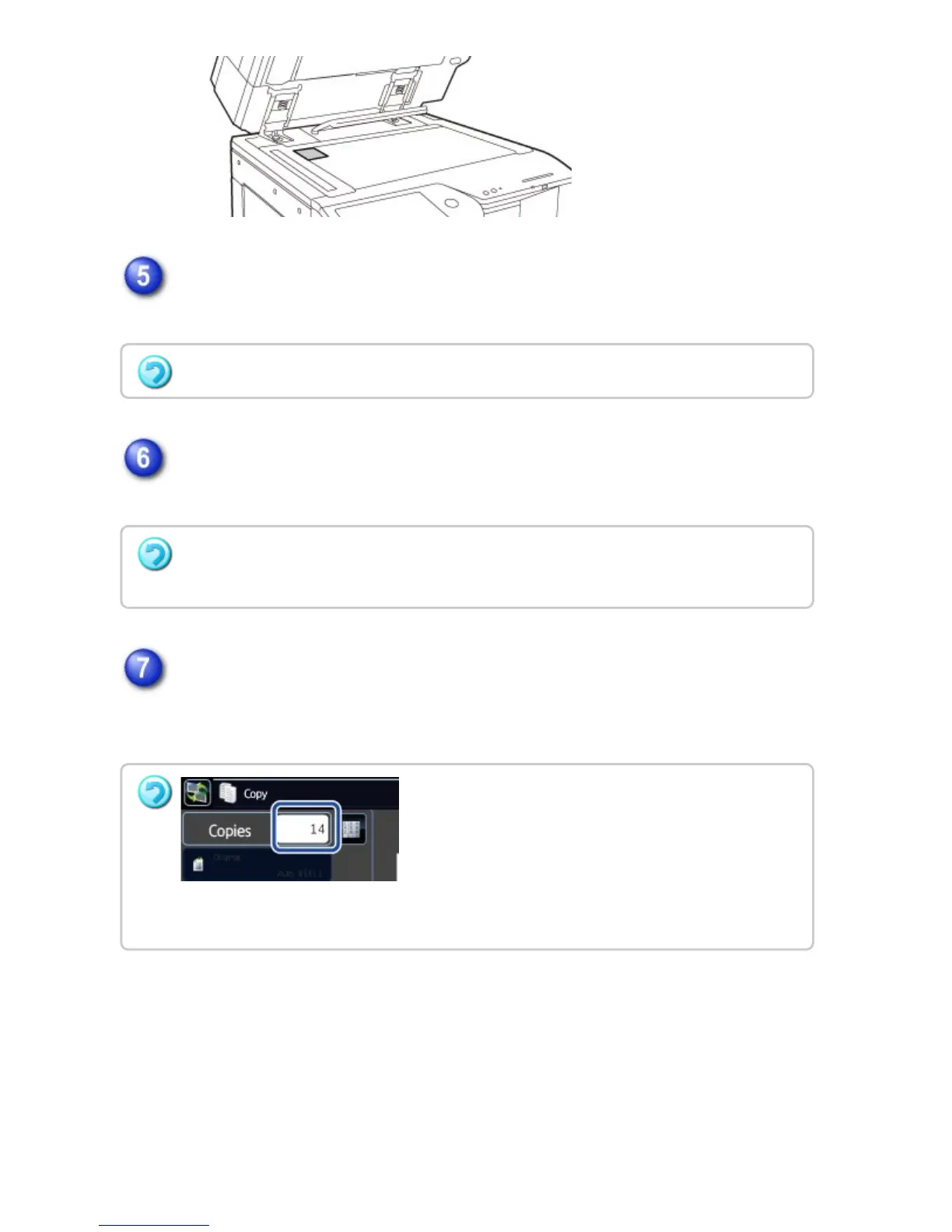
Place a card face up on the document glass, and tap the [Additional Scan] key
to scan the reverse side.
Check the preview image in the preview screen.
Check whether or not settings produce the required results.
Tap the [Read-End] key to start copying.
When making only one set of copies, you do not need to specify the number of
copies.
Copy settings cannot be changed when scanning additional pages.
To cancel all settings:
Tap the [CA] key.
To make two or more sets of copies:
Tap the copies display key to specify the number of copies.
USER'S MANUAL | MX-M365N/MX-M465N/MX-M565N USER'S ... http://siica.sharpusa.com/portals/0/downloads/Manuals/MX-M365N-M...
272 of 1441 3/17/2016 7:14 AM



 To Next Page