COPYING MULTIPLE ORIGINALS ON EACH
PAMPHLET COPY PAGE
(PAMPHLET COPY
2IN1/4IN1)
Overview
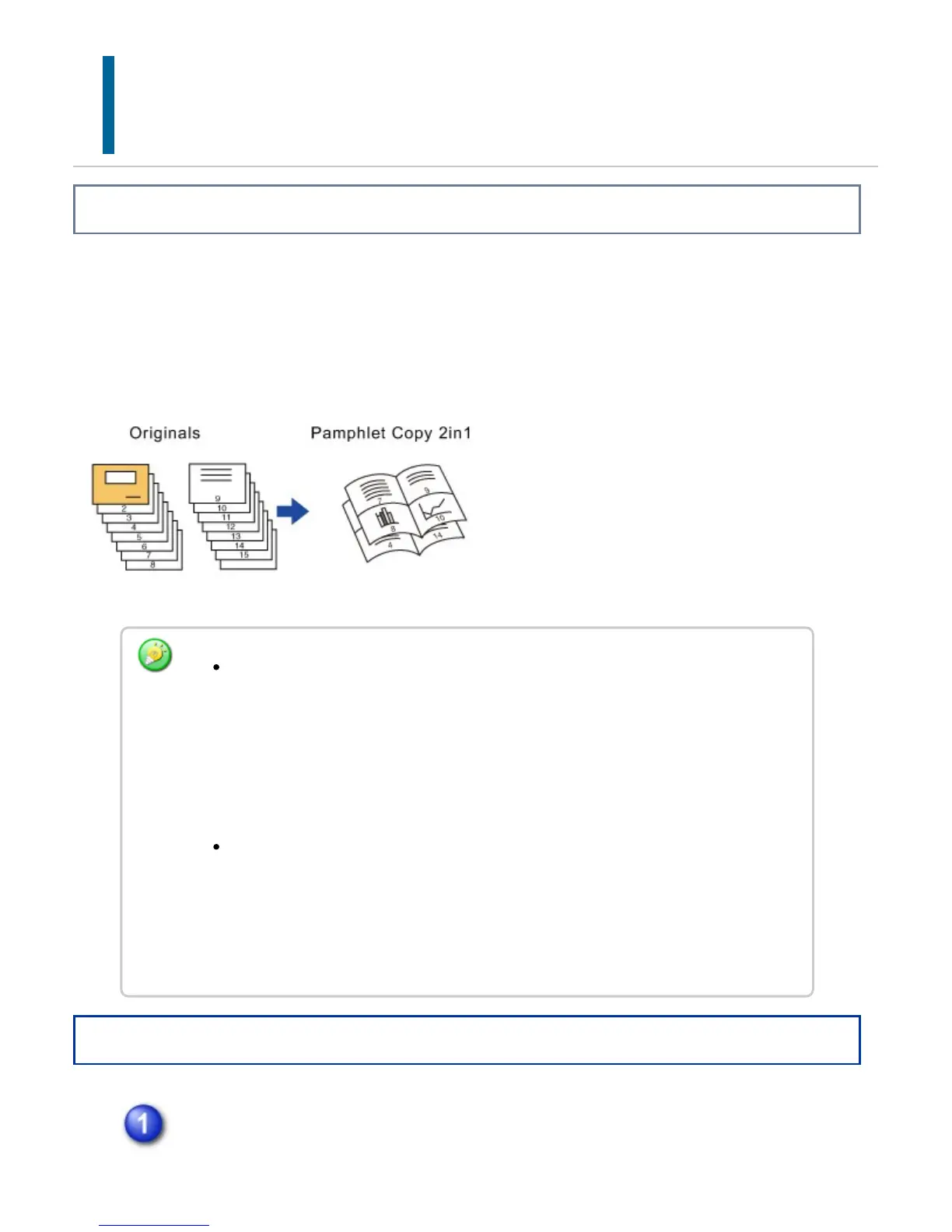
This function copies two or four original pages equally on one page of pamphlet copy
paper.
This function is convenient for arranging minimum number of copies into an attractive
booklet or pamphlet format.
Operation
Place the original and tap the [Preview] key.
The following paper sizes and number of sheets are available for pamphlet copy
2in1 or 4in1.
Paper size: 12"x 18" (When the saddle finisher (large stacker) is installed), 11"x
17", 8-1/2"x 14", 8-1/2"x 11"R, A3W (When the saddle finisher (large stacker)
is installed), A3, B4, A4R, 8K, 16KR
Number of stapled sheets: Max. 15 sheets
Scan the originals in order from the first page to the last page. The order of
copying will be automatically adjusted by the machine.
Eight or 16 original pages will be copied onto each sheet of paper. Blank pages will
be automatically produced at the end if the number of original pages is not a
multiple of eight.
USER'S MANUAL | MX-M365N/MX-M465N/MX-M565N USER'S ... http://siica.sharpusa.com/portals/0/downloads/Manuals/MX-M365N-M...
284 of 1441 3/17/2016 7:14 AM



 To Next Page