SKIPPING BLANK PAGES IN AN
ORIGINAL
(BLANK PAGE SKIP)
Overview
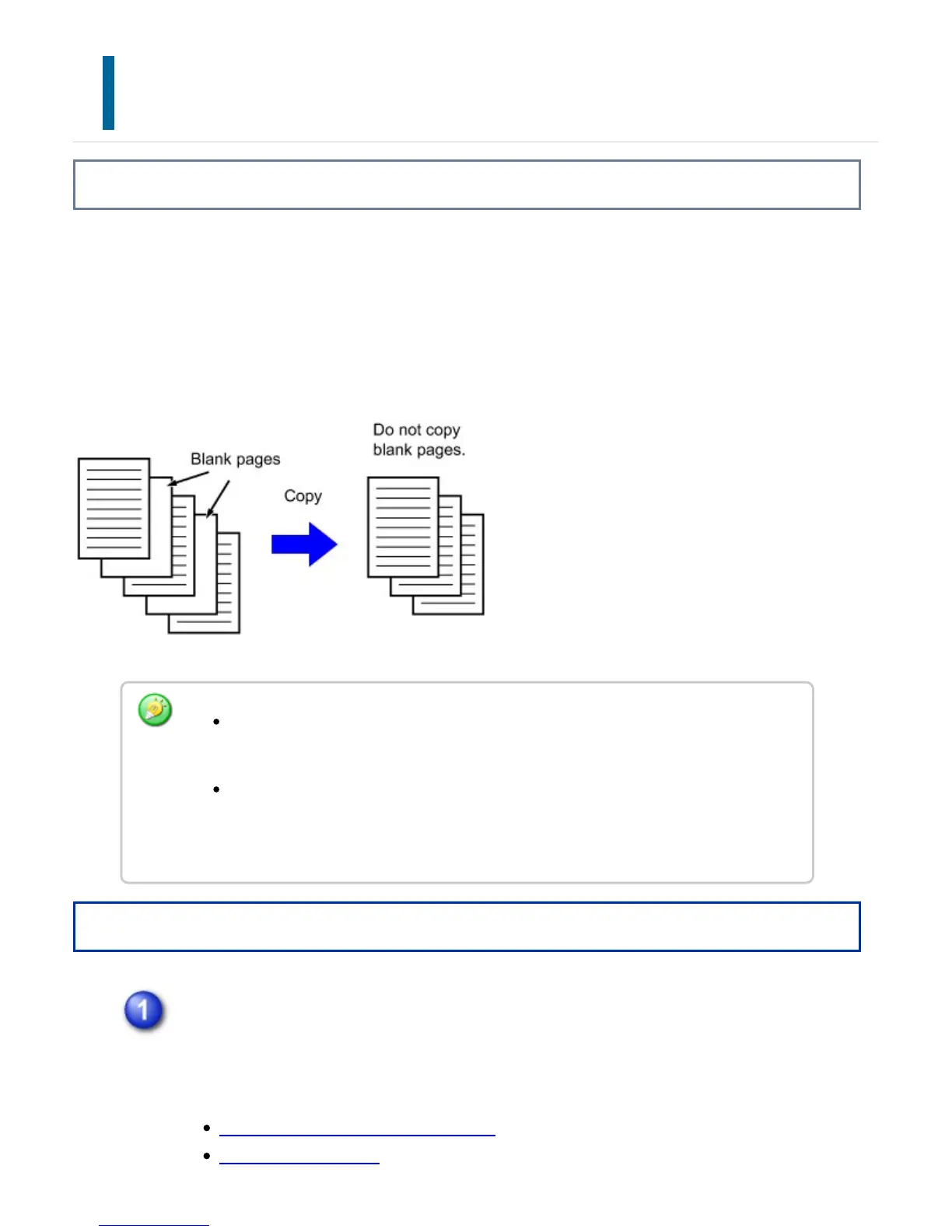
If the scanned original contains blank pages, this function skips them to copy only
non-blank pages.
The machine detects blank pages, enabling you to skip useless copies without checking
an original.
Operation
Place the original and tap the [Preview] key.
Place the original in the document feeder tray of the automatic document feeder,
or on the document glass.
AUTOMATIC DOCUMENT FEEDER
DOCUMENT GLASS
If an original of which one side is blank is scanned, blank pages are skipped for
2-sided copying.
Depending on the original, some pages that are not blank may be detected as
blank pages and thus not copied, and some pages that are blank may not be
detected as blank and thus copied.
USER'S MANUAL | MX-M365N/MX-M465N/MX-M565N USER'S ... http://siica.sharpusa.com/portals/0/downloads/Manuals/MX-M365N-M...
295 of 1441 3/17/2016 7:14 AM



 To Next Page