Tap the [Others] key, and tap the [Blank Page Skip] key.
Tap the [Skip Blank Page] or [Skip Blank and Back Shadow] key.
After the settings are completed, tap and [Back] keys in sequence.
Check the preview image in the preview screen.
Check whether or not settings produce the required results.
Tap the [Start] key.
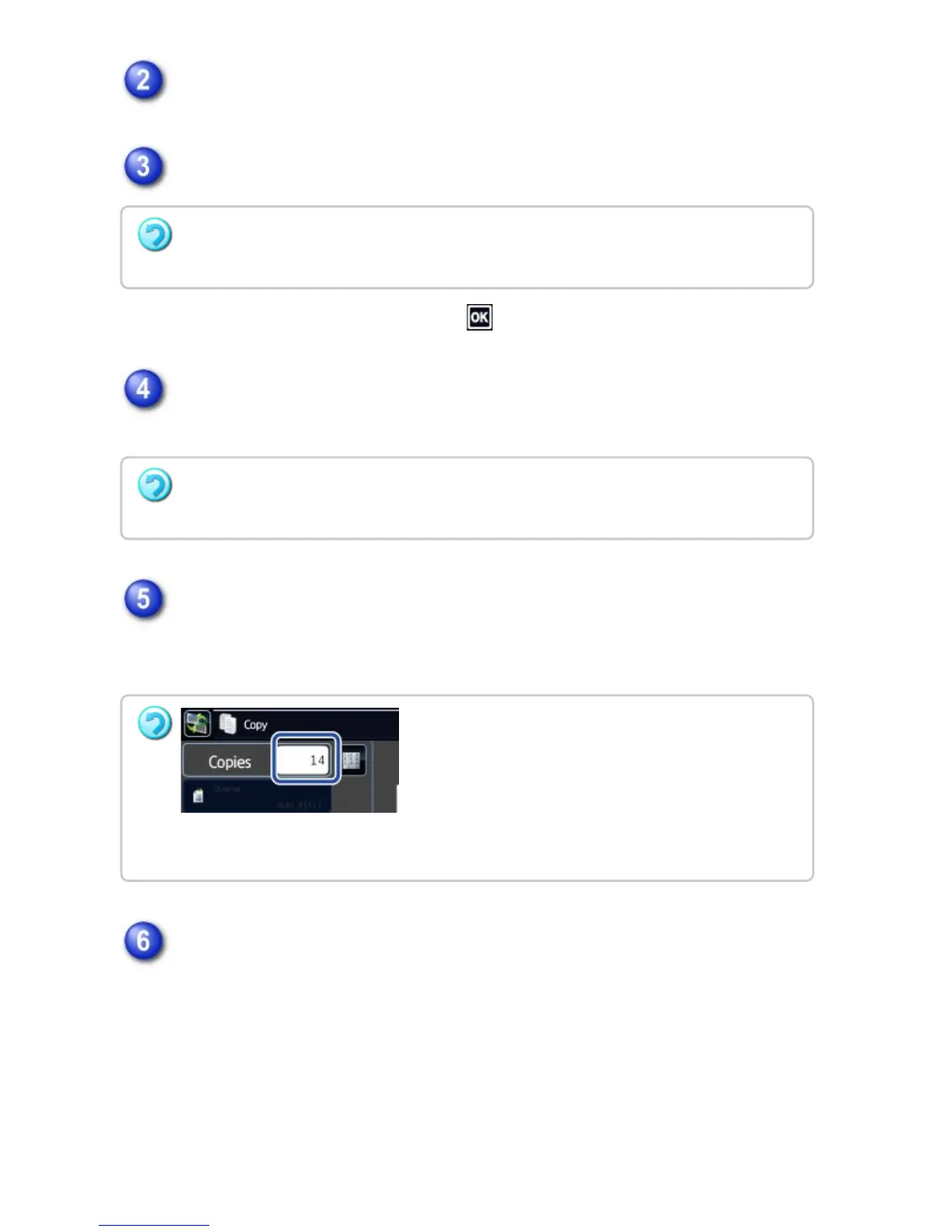
When making only one set of copies, you do not need to specify the number of
copies.
Check the confirmation message, and tap the [Execute] key to start copying.
On the confirmation screen, the number of scanned original sheets appears in (A),
the number of scanned sides in (B), and the number of copies excluding blank
pages in (C). For example, if five original sheets that include two blank pages are
scanned by duplex scanning, (A) will show "5", (B) will show "10", and (C) will
show "8".
To cancel the Blank Page Skip setting:
Tap the [Off] key.
To cancel all settings:
Tap the [CA] key.
To make two or more sets of copies:
Tap the copies display key to specify the number of copies.
USER'S MANUAL | MX-M365N/MX-M465N/MX-M565N USER'S ... http://siica.sharpusa.com/portals/0/downloads/Manuals/MX-M365N-M...
296 of 1441 3/17/2016 7:14 AM



 To Next Page