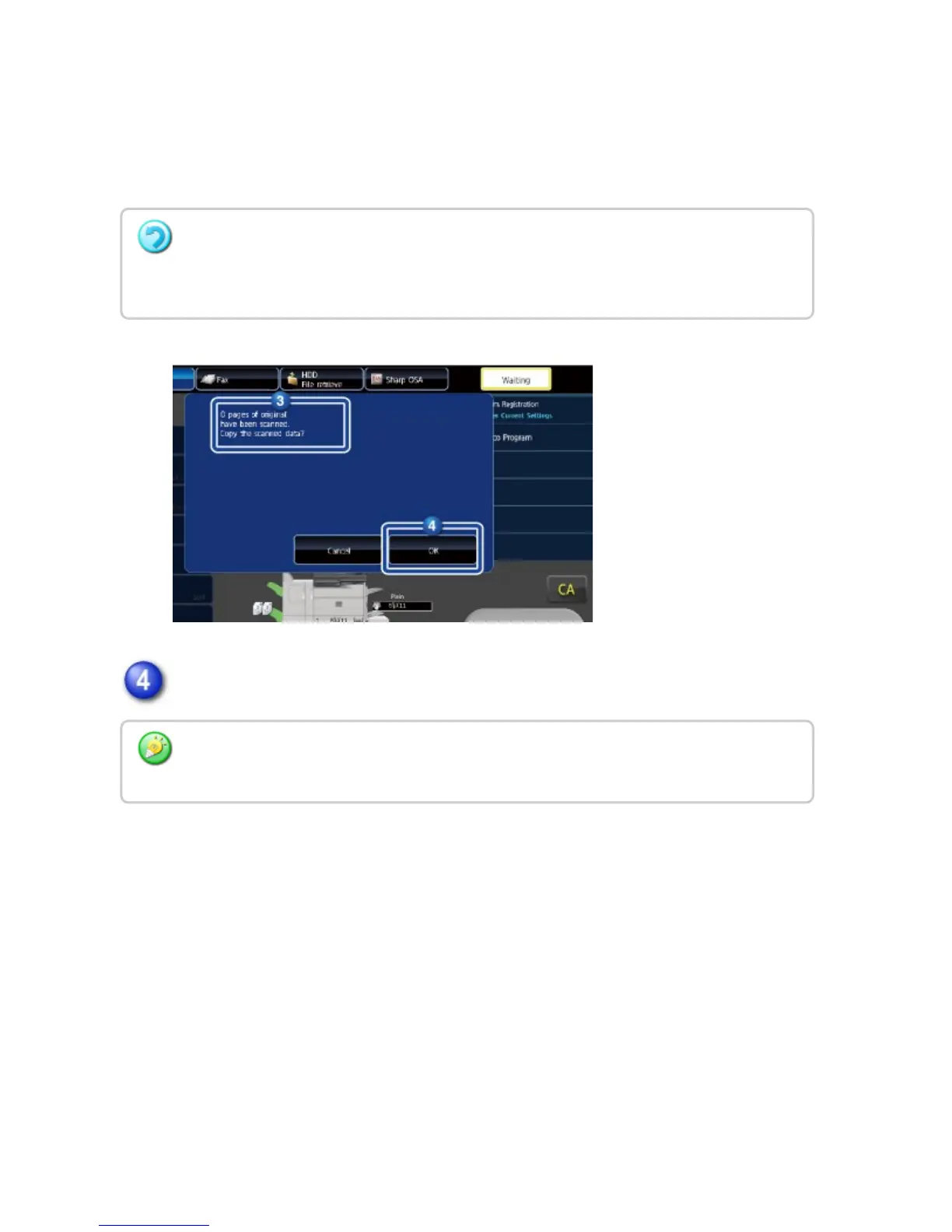
The number that is displayed is the number of scanned original sheets, not the
number of scanned original pages. For example, when 2-sided copying is
performed using one original, the number "1" will appear to indicate that one
original sheet was scanned, not "2" to indicate the front-side page and the
reverse side page.
Tap the [OK] key to start copying.
If the displayed number of original sheets is different from the actual number of
sheets
Tap the [Cancel] key to stop the job.
If this function is combined with [Job Build], the count result is displayed after the [Print
Start] key has been tapped.
USER'S MANUAL | MX-M365N/MX-M465N/MX-M565N USER'S ... http://siica.sharpusa.com/portals/0/downloads/Manuals/MX-M365N-M...
305 of 1441 3/17/2016 7:14 AM



 To Next Page