and tap the [Additional Scan] key.
AUTOMATIC DOCUMENT FEEDER
DOCUMENT GLASS
Tap the [Others] key, and tap the [Tandem Copy] key.
A checkmark appears on the icon.
After the settings are completed, tap the [Back] key.
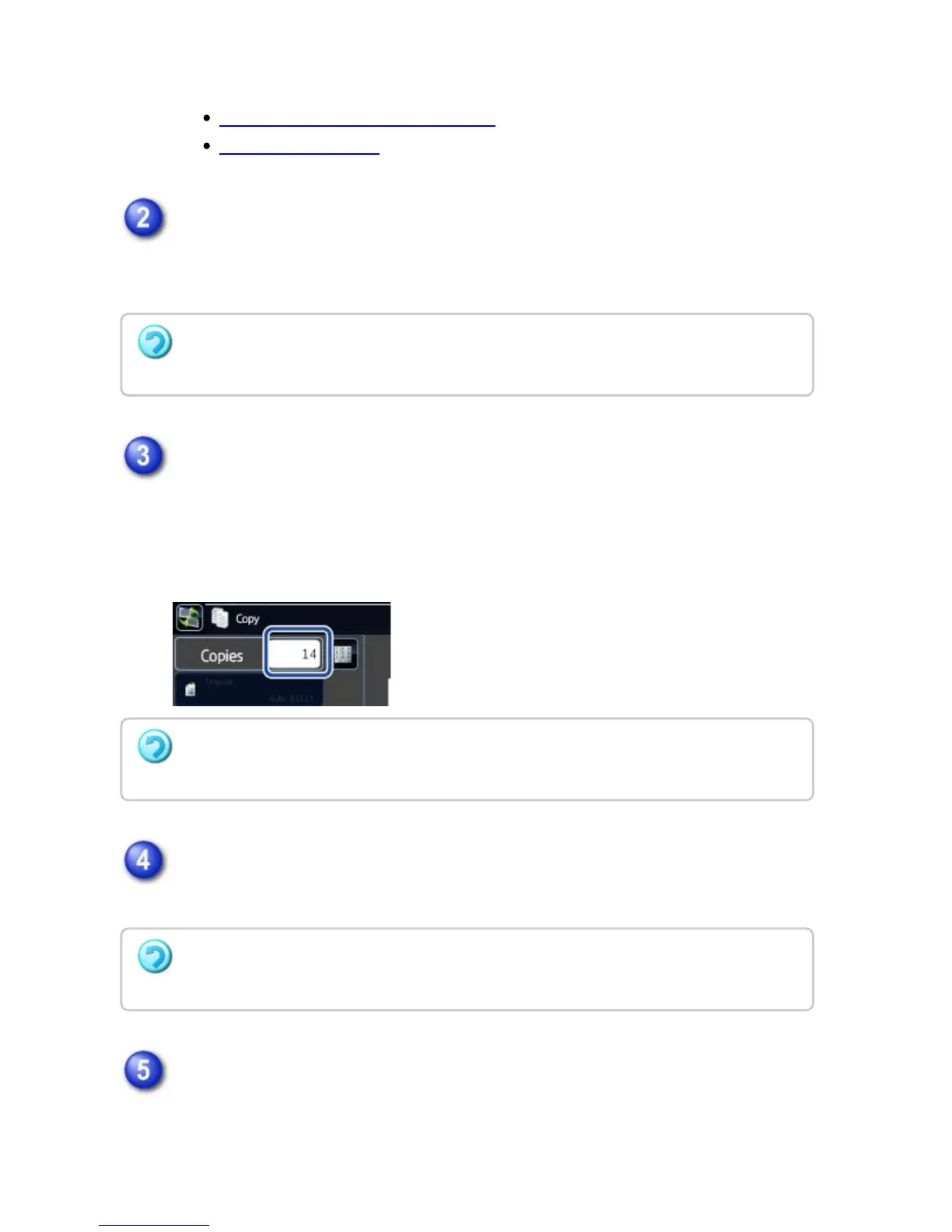
Tap the copies display key to specify the number of copies.
Up to 999 copies (sets) can be set. The specified number of copies are shared
between the master and slave machines. If the number of copies is odd, the
master machine makes more copies than the slave machine.
Check the preview image in the preview screen.
Check whether or not settings produce the required results.
Tap the [Start] key to start copying.
When making only one set of copies, you do not need to specify the number of
copies.
To cancel the tandem copy setting:
Tap the [Tandem Copy] key to uncheck it.
If an incorrect number of copies is set
Tap the [C] key and then enter the correct number.
To cancel all settings:
Tap the [CA] key.
USER'S MANUAL | MX-M365N/MX-M465N/MX-M565N USER'S ... http://siica.sharpusa.com/portals/0/downloads/Manuals/MX-M365N-M...
308 of 1441 3/17/2016 7:14 AM



 To Next Page