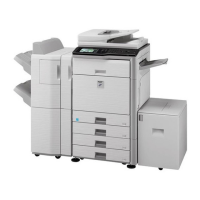
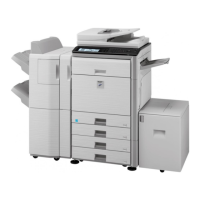
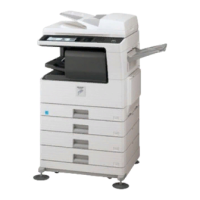
Same Width Different Width
Use this setting for originals that are diff
erent sizes but have sides that are the s
ame length.
The originals are inserted in the docume
nt feeder tray with the sides that are the
same length aligned together on the left.
11" x 17" and 8-1/2" x 11"
8-1/2" x 14" and 8-1/2" x 11"R
8-1/2" x 14" and 5-1/2" x
8-1/2"
8-1/2" x 13" and 8-1/2" x 11"R
8-1/2" x 13" and 5-1/2" x
8-1/2"
8-1/2" x 11"R and 5-1/2" x
8-1/2"
A3 and A4
B4 and B5
A4R and A5
Use this setting when the originals are different sizes
and do not have sides that are the same length. This s
etting can only be used for the following combinations
of sizes:
11" x 17" and 8-1/2" x 14"
11" x 17" and 8-1/2" x 13"
11" x 17" and 5-1/2" x 8-1/2"
A3 and B4
A3 and B5
B4 and A4
A4 and B5
B4 and A4R
B4 and A5
B5 and A4R
B5 and A5
Operation
Mixed Size Original must be specified before scanning the original.
When [Different Width] is selected "2-Sided to 2-Sided" and "2-Sided to
1-Sided" of automatic two-sided copying can be used.
When [Different Width] is selected, the staple function cannot be used.
The mixed size original function cannot be used to copy originals that are the
same size but are placed in different orientations (8-1/2" x 11" and 8-1/2" x
11"R (A4 and A4R), etc.).
[System Settings] in "Setting mode" →[Device Control] → [Original Feeding
Mode]
Select this setting to always scan mixed-size originals.
USER'S MANUAL | MX-M365N/MX-M465N/MX-M565N USER'S ... http://siica.sharpusa.com/portals/0/downloads/Manuals/MX-M365N-M...
333 of 1441 3/17/2016 7:14 AM


 To Next Page