SCANNING THIN ORIGINALS
(SLOW SCAN MODE)
Overview
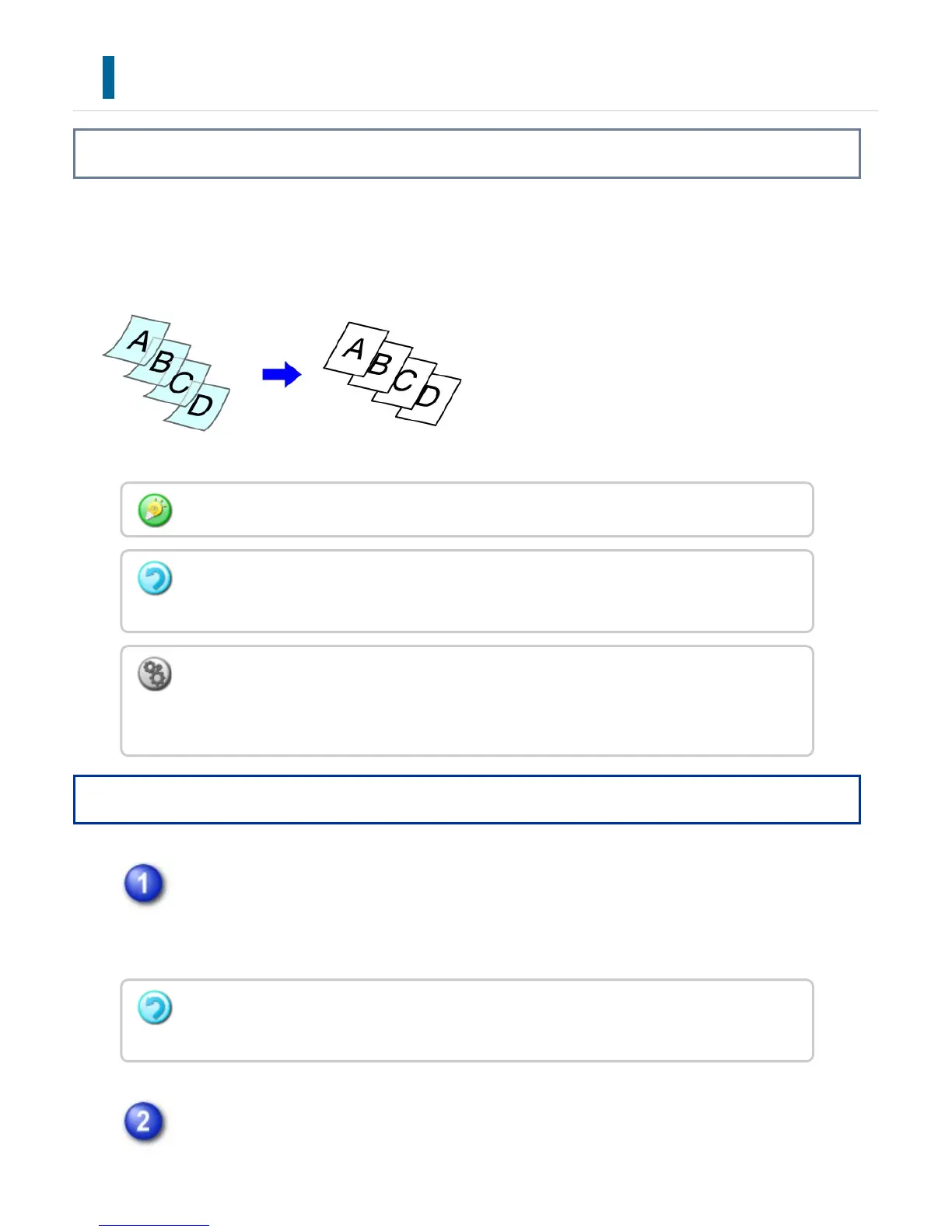
When you wish to scan thin originals using the automatic document feeder, you can use
this function, which helps prevent thin originals from misfeeding.
Operation
Touch the [Others] key, and tap the [Slow Scan Mode] key.
A checkmark appears on the icon.
After the settings are completed, tap the [Back] key.
Place the original in the document feeder tray of the automatic document
Slow Scan Mode must be specified before scanning the original.
The "2-Side to 2-Side" and "2-Side to 1-Side" modes of automatic 2-sided copying
cannot be used.
To always scan the original in the slow scan mode:
In "Setting mode", select [System Settings] → [Device Control] → [Original Feeding
Mode].
To cancel slow scan mode:
Tap the [Slow Scan Mode] key to clear the checkmark.
USER'S MANUAL | MX-M365N/MX-M465N/MX-M565N USER'S ... http://siica.sharpusa.com/portals/0/downloads/Manuals/MX-M365N-M...
336 of 1441 3/17/2016 7:14 AM


 To Next Page