feeder, and tap the [Preview] key.
AUTOMATIC DOCUMENT FEEDER
Tap the [Start] key to start copying.
When making only one set of copies, you do not need to specify the number of
copies.
If the originals are inserted with too much force, they may crumple and misfeed.
To make two or more sets of copies:
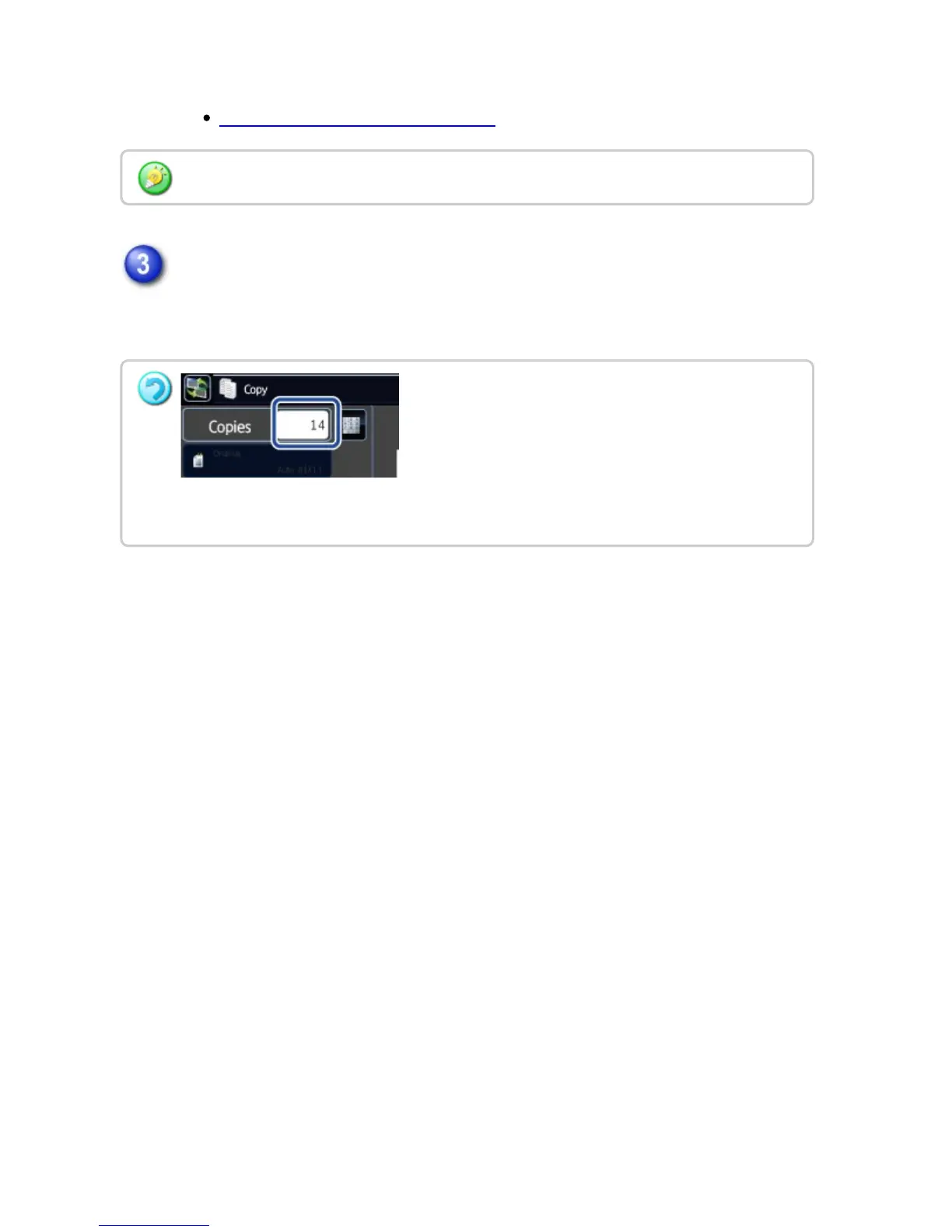
Tap the copies display key to specify the number of copies.
USER'S MANUAL | MX-M365N/MX-M465N/MX-M565N USER'S ... http://siica.sharpusa.com/portals/0/downloads/Manuals/MX-M365N-M...
337 of 1441 3/17/2016 7:14 AM


 To Next Page