When making only one set of copies, you do not need to specify the number of
copies.
Setting using the [Text] tab
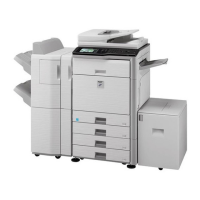
Tap the [Direct Entry] key in the [Text] tab to display the soft keyboard.
Use the soft keyboard to enter any characters.
Selecting the format from pre-set text
Tapping the [Pre-Set Select] key allows you to select the required one of the registered
formats for printing.
Tapping the [Store/Delete] key allows you to edit, delete, or store pre-set text. To edit
or store pre-set text, use the soft keyboard.
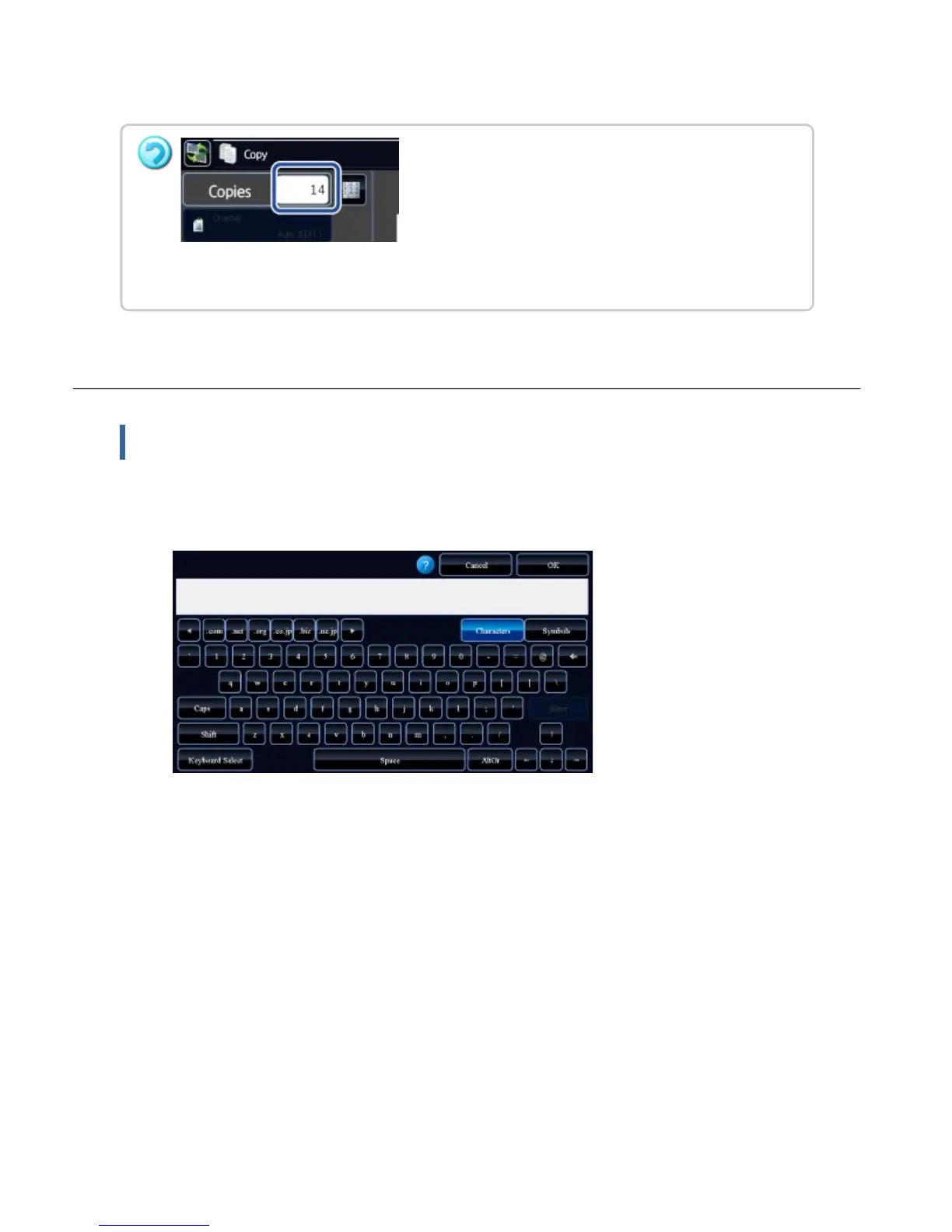
To make two or more sets of copies:
Tap the copies display key to specify the number of copies.
USER'S MANUAL | MX-M365N/MX-M465N/MX-M565N USER'S ... http://siica.sharpusa.com/portals/0/downloads/Manuals/MX-M365N-M...
343 of 1441 3/17/2016 7:14 AM


 To Next Page