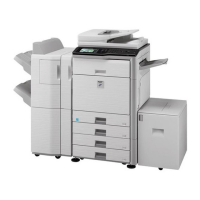
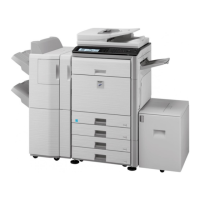
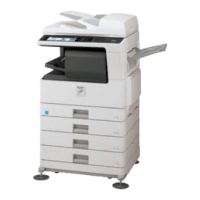
A3 Wide Paper Makes a stamp copy as normal.
Centering Makes a stamp copy as normal without centering.
Stamp Makes a stamp copy on the Stamp menu.
Photo Repeat Cannot be combined.
Multi-Page Enla
rgement
Cannot be combined.
Pattern Print Makes a stamp copy under a pattern print.
Repeat Layout Cannot be combined.
Position Image Prints an image at the original position regardless of the Position Image setting.
Book Divide Makes a stamp copy by sheet.
Operation
Place the original and tap the [Preview] key.
Place the original in the document feeder tray of the automatic document feeder,
or on the document glass.
AUTOMATIC DOCUMENT FEEDER
DOCUMENT GLASS
Tap the [Others] key, and tap the [Custom Image] key.
Tap the [Custom Stamp] or [Custom Watermark] key.
Tap the [Image] key to select an image.
Select the required thumbnail image(s) from the available selection.
Set [Print Page] or [Original].
USER'S MANUAL | MX-M365N/MX-M465N/MX-M565N USER'S ... http://siica.sharpusa.com/portals/0/downloads/Manuals/MX-M365N-M...
347 of 1441 3/17/2016 7:14 AM


 To Next Page