CHECKING, EDITING, AND DELETING THE
PAGE LAYOUT OF COVERS AND INSERTION
SHEETS
(PAGE LAYOUT)
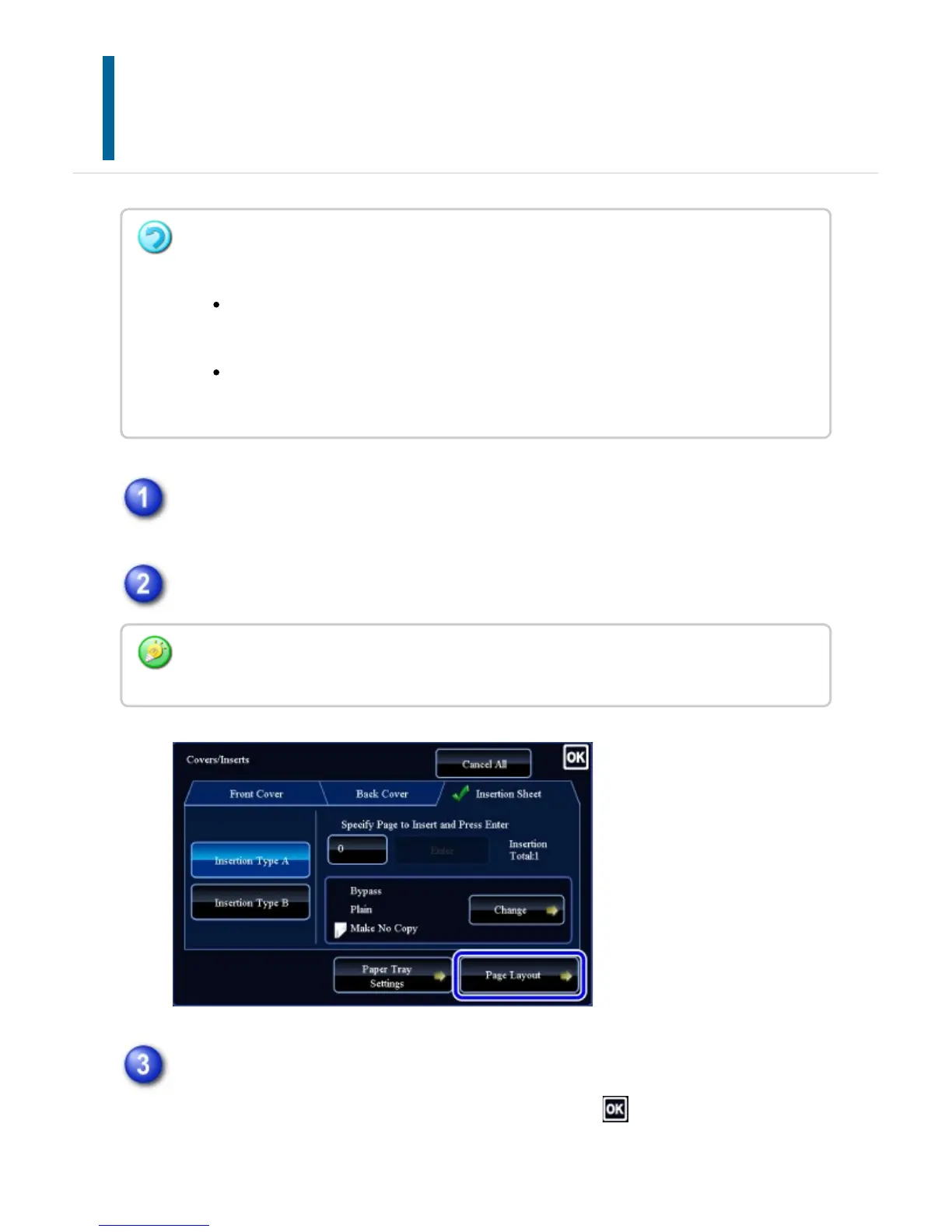
Tap the [Others] key, and then tap the [Covers/Inserts] key.
Tap the [Page Layout] key.
Check the page layout.
To exit this job after checking the page layout, tap the key.
To edit or delete, tap the required key. When deleting, tap the [Delete] key. When
The editing contents are different between the registered covers and insertion sheets as
shown below.
For the cover, you can change settings such as the paper type, copy/do not copy,
1-Sided, and 2-Sided.
For insertion sheet, you can change only the page number you want to insert an
insert sheet into.
If the settings for the covers or insertion sheets are not configured, the [Page Layout] key is
disabled.
USER'S MANUAL | MX-M365N/MX-M465N/MX-M565N USER'S ... http://siica.sharpusa.com/portals/0/downloads/Manuals/MX-M365N-M...
368 of 1441 3/17/2016 7:14 AM



 To Next Page