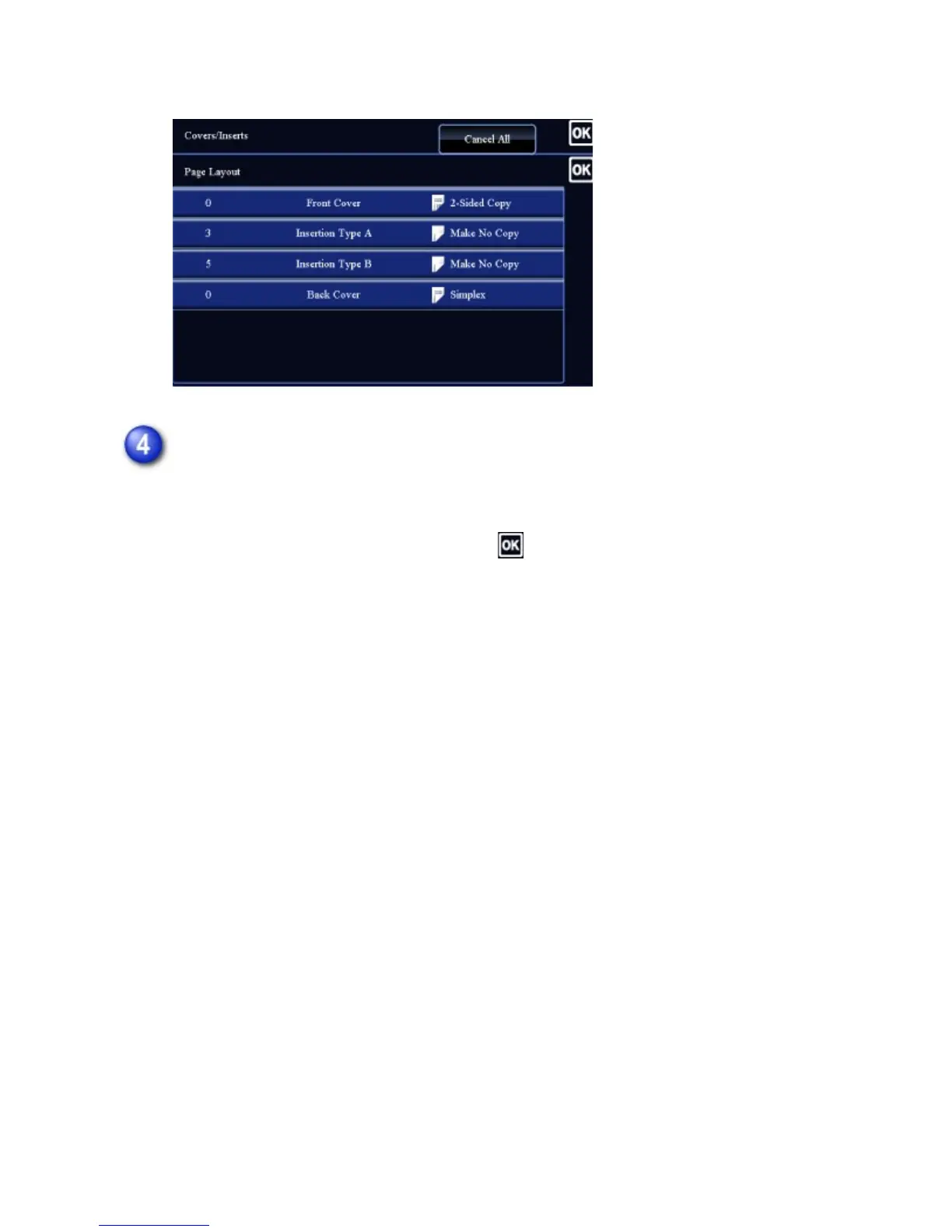
editing, tap the [Modify] key.
Change cover or insertion sheet settings.
For the cover, you can change the copy mode. You can change the page number
you want to insert an insert sheet into.
After the settings are completed, tap the key multiple times to return to the
[Others] screen. Then, tap the [Back] key.
USER'S MANUAL | MX-M365N/MX-M465N/MX-M565N USER'S ... http://siica.sharpusa.com/portals/0/downloads/Manuals/MX-M365N-M...
369 of 1441 3/17/2016 7:14 AM



 To Next Page