MAKING A POSTER-SIZED COPY
(MULTI-PAGE
ENLARGEMENT)
Overview
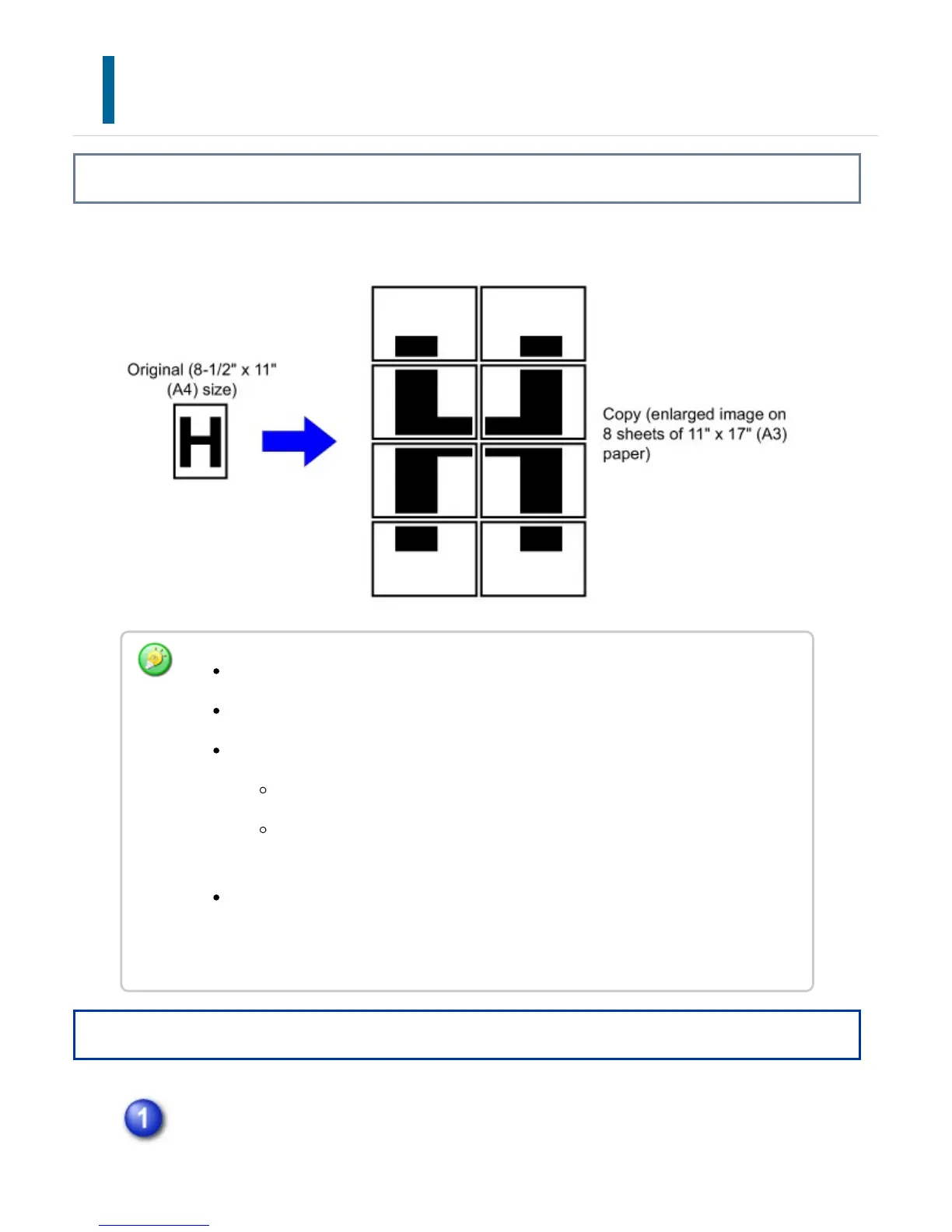
This function separately copies an enlarged original image on multiple sheets.
Operation
Tap the [Others] key, and tap the [Multi-Page Enlargement] key.
Multi-Page Enlargement must be specified before scanning the original.
Place an original on the document glass.
Overlap of sections of image
There will be a margin around the edges of each copy.
Areas for overlapping the copies will be created at the leading and trailing
edges of each copy.
The paper size, number of sheets required for the enlarged image, and the ratio
are automatically selected based on the selected original size and enlargement
size. (The paper size and ratio cannot be selected manually.)
USER'S MANUAL | MX-M365N/MX-M465N/MX-M565N USER'S ... http://siica.sharpusa.com/portals/0/downloads/Manuals/MX-M365N-M...
377 of 1441 3/17/2016 7:14 AM



 To Next Page