STORING A PROGRAM
Overview
This function collectively stores copy settings as one program. The stored program can
be retrieved using an easy operation.
For information about how to retrieve a program, see "RETRIEVING A PROGRAM".
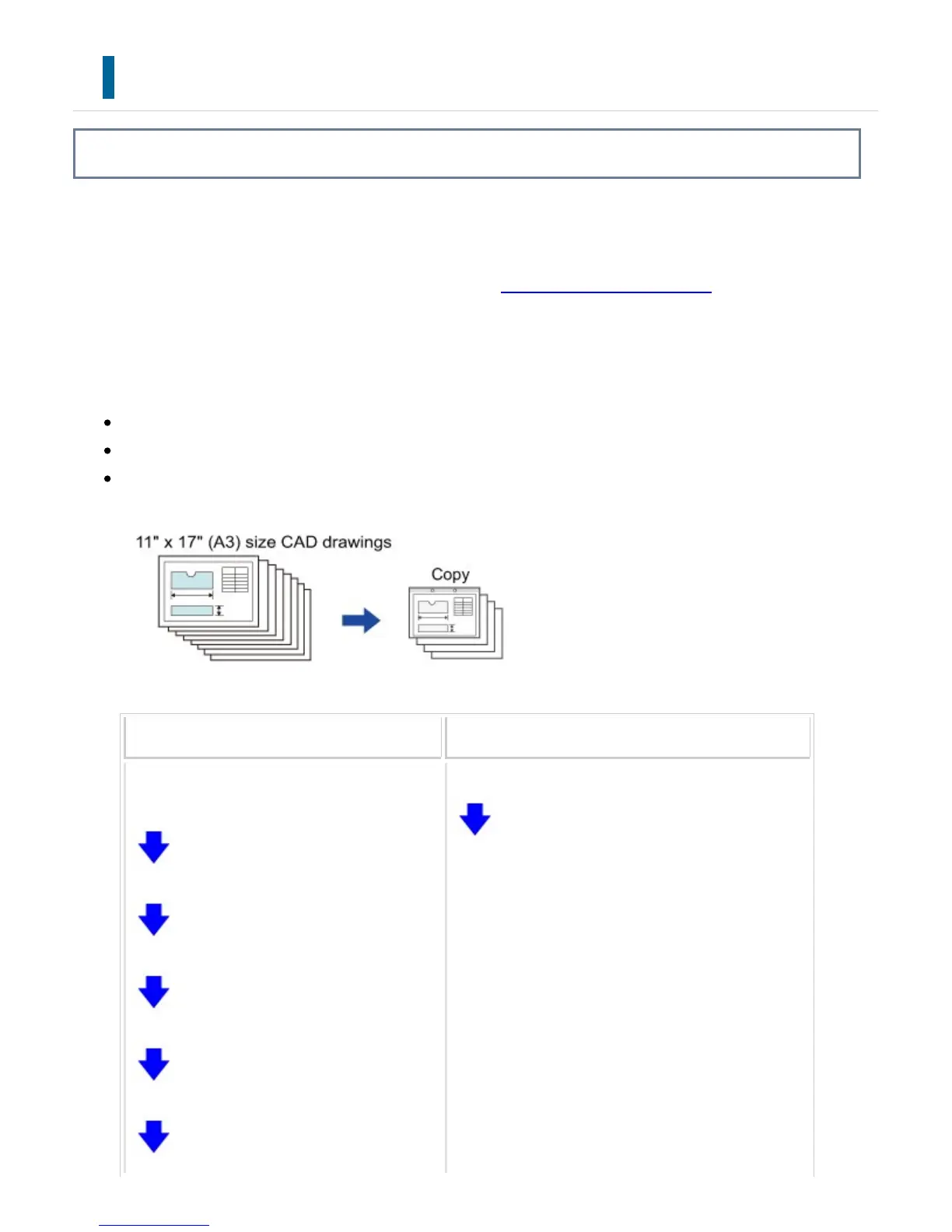
For example, suppose 11" x 17" (A3) size CAD drawings are copied once a month for
archive purposes using the following settings:
The 11" x 17" (A3) size CAD drawings are reduced to 8-1/2" x 11" (A4) size.
To reduce paper use by half, 2-sided copying is used.
Margin shift is used to allow a margin to punch holes for filing.
When a job program is not stored When a job program is stored
Sets 11" x 17" (A3) to 8-1/2" x 11" (A4) r
eduction.
Changes the exposure setting.
Sets 2-sided copying.
Sets margins.
Sets punch hole settings.
Selects copy settings.
Tap the [Start] key.
USER'S MANUAL | MX-M365N/MX-M465N/MX-M565N USER'S ... http://siica.sharpusa.com/portals/0/downloads/Manuals/MX-M365N-M...
387 of 1441 3/17/2016 7:14 AM



 To Next Page