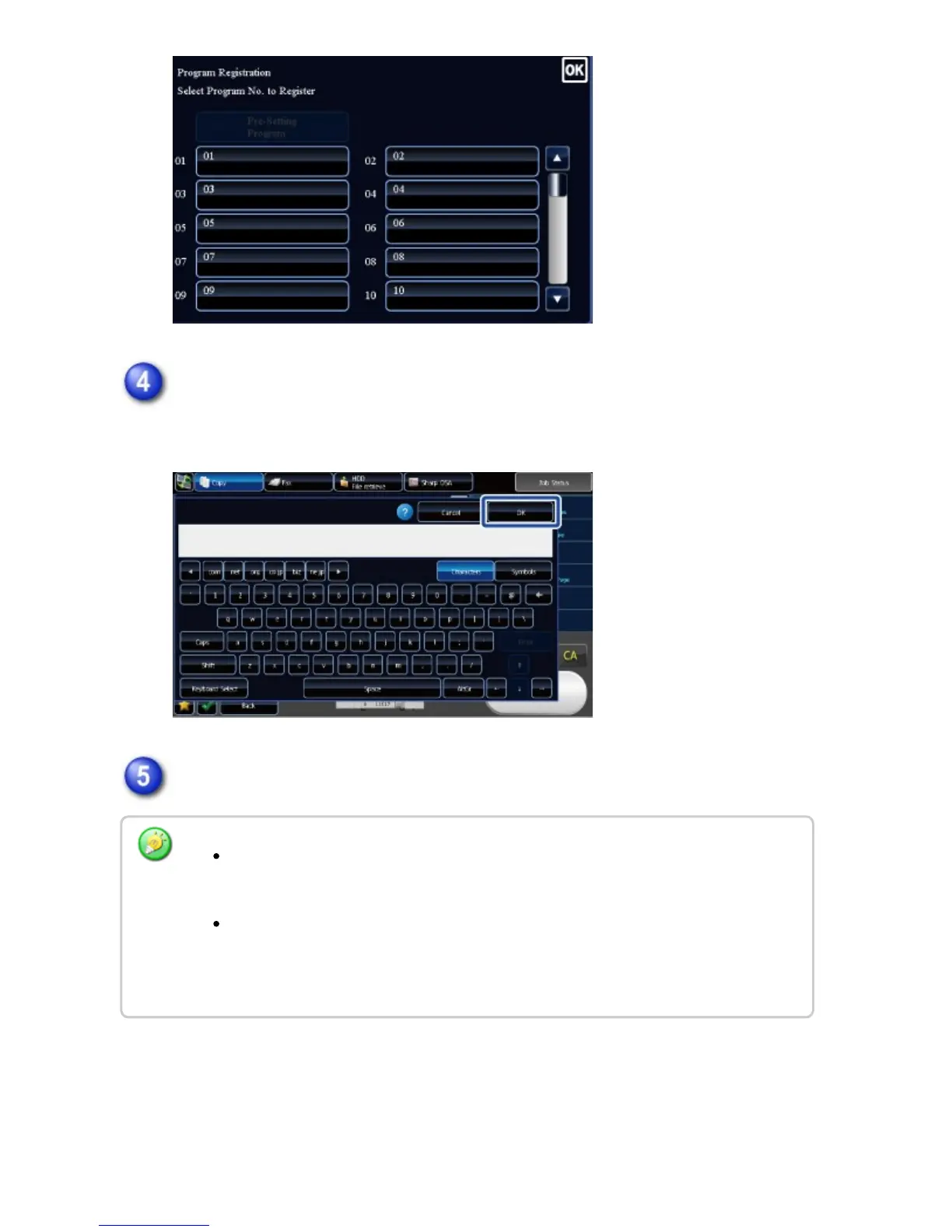
Name the program, and tap the [OK] key.
A registration completion message appears.
Select whether or not to register the program in home page or bookmark.
If user authentication is enabled, a shortcut of the program is registered in the
user's home page or bookmark.
If user authentication is disabled, the administrator password entry screen
appears. When the administrator password is entered, the registration is
completed.
USER'S MANUAL | MX-M365N/MX-M465N/MX-M565N USER'S ... http://siica.sharpusa.com/portals/0/downloads/Manuals/MX-M365N-M...
389 of 1441 3/17/2016 7:14 AM



 To Next Page