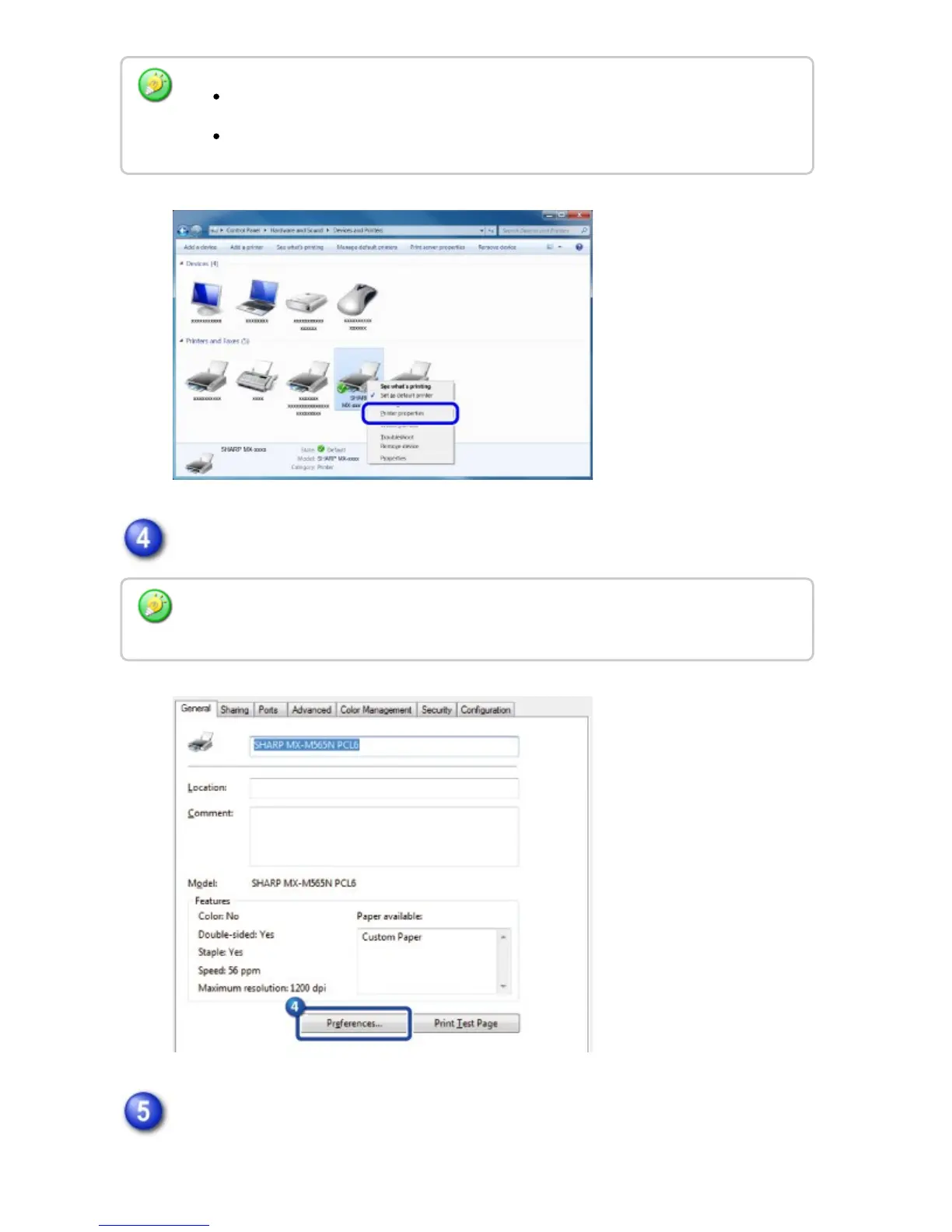
Click the [Default Settings] button on the [General] tab.
Configure the settings and click the [OK] button.
For explanations of the settings, see printer driver Help.
In Windows Vista, click the [Organize] menu, and then click [Properties].
In Windows XP/Server 2003, click the [File] menu, and then click [Properties].
In Windows XP/Server 2003/Vista, click the [Printing Preferences] button on the
[General] tab.
USER'S MANUAL | MX-M365N/MX-M465N/MX-M565N USER'S ... http://siica.sharpusa.com/portals/0/downloads/Manuals/MX-M365N-M...
422 of 1441 3/17/2016 7:14 AM



 To Next Page