SELECTING THE RESOLUTION
Overview
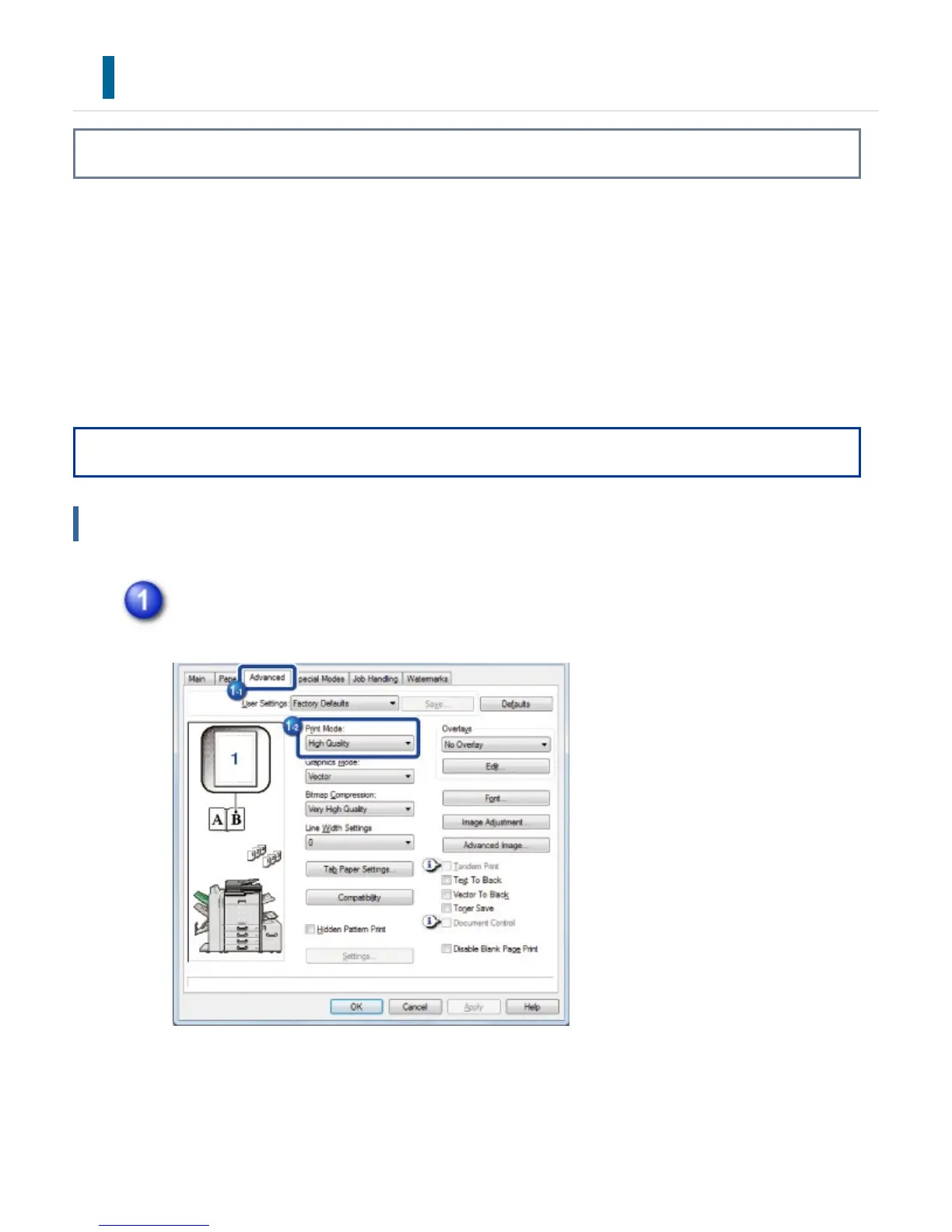
The following three selections are available for "Print Mode" (resolution):
Normal: This mode is suitable for printing data such as regular text or a table.
High Quality: The print quality of photos and text is high.
Fine: Select this mode to print photos more clearly or graphic gradation images
more finely.
Operation
Windows
Click the [Advanced] tab and select "Print Mode".
USER'S MANUAL | MX-M365N/MX-M465N/MX-M565N USER'S ... http://siica.sharpusa.com/portals/0/downloads/Manuals/MX-M365N-M...
423 of 1441 3/17/2016 7:14 AM



 To Next Page