2-SIDED PRINTING
Overview
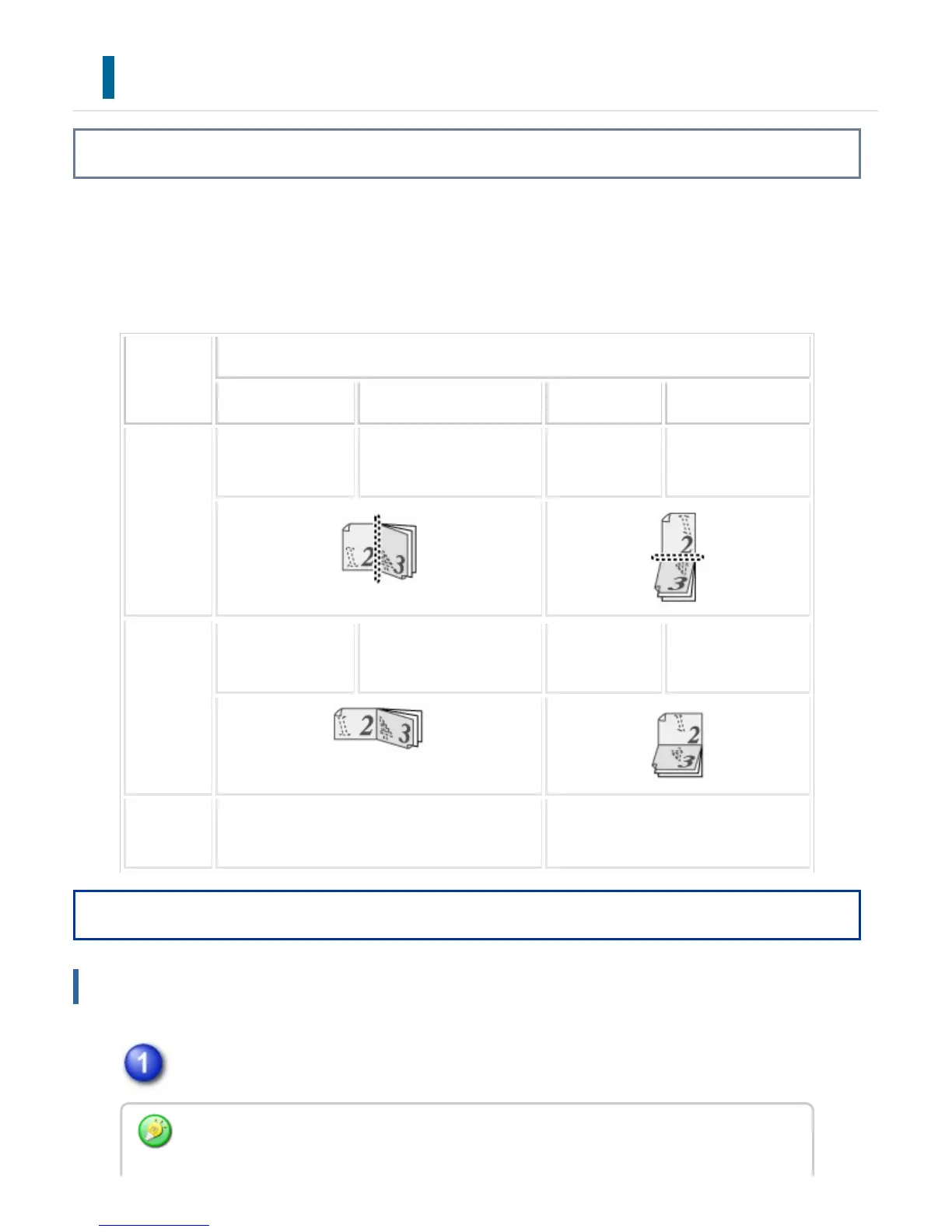
The machine can print on both sides of the paper. This function is useful for many
purposes, and is particularly convenient when you want to create a simple pamphlet.
2-sided printing also helps conserve paper.
Paper ori
entation
Print results
Windows Macintosh Windows Macintosh
Portrait 2-Sided(Book) Long-edged binding 2-Sided(Tablet
)
Short-edged bindin
g
Landscape
2-Sided(Book) Short-edged binding 2-Sided(Tablet
)
Long-edged bindin
g
The pages are printed so that they can be bo
und at the left or right side.
The pages are printed so that they c
an be bound at the top.
Operation
Windows
Click the [Main] tab and select [2-Sided(Book)] or [2-Sided(Tablet)].
If necessary, you can select the method of implementing 2-sided printing. Click the
USER'S MANUAL | MX-M365N/MX-M465N/MX-M565N USER'S ... http://siica.sharpusa.com/portals/0/downloads/Manuals/MX-M365N-M...
424 of 1441 3/17/2016 7:14 AM



 To Next Page