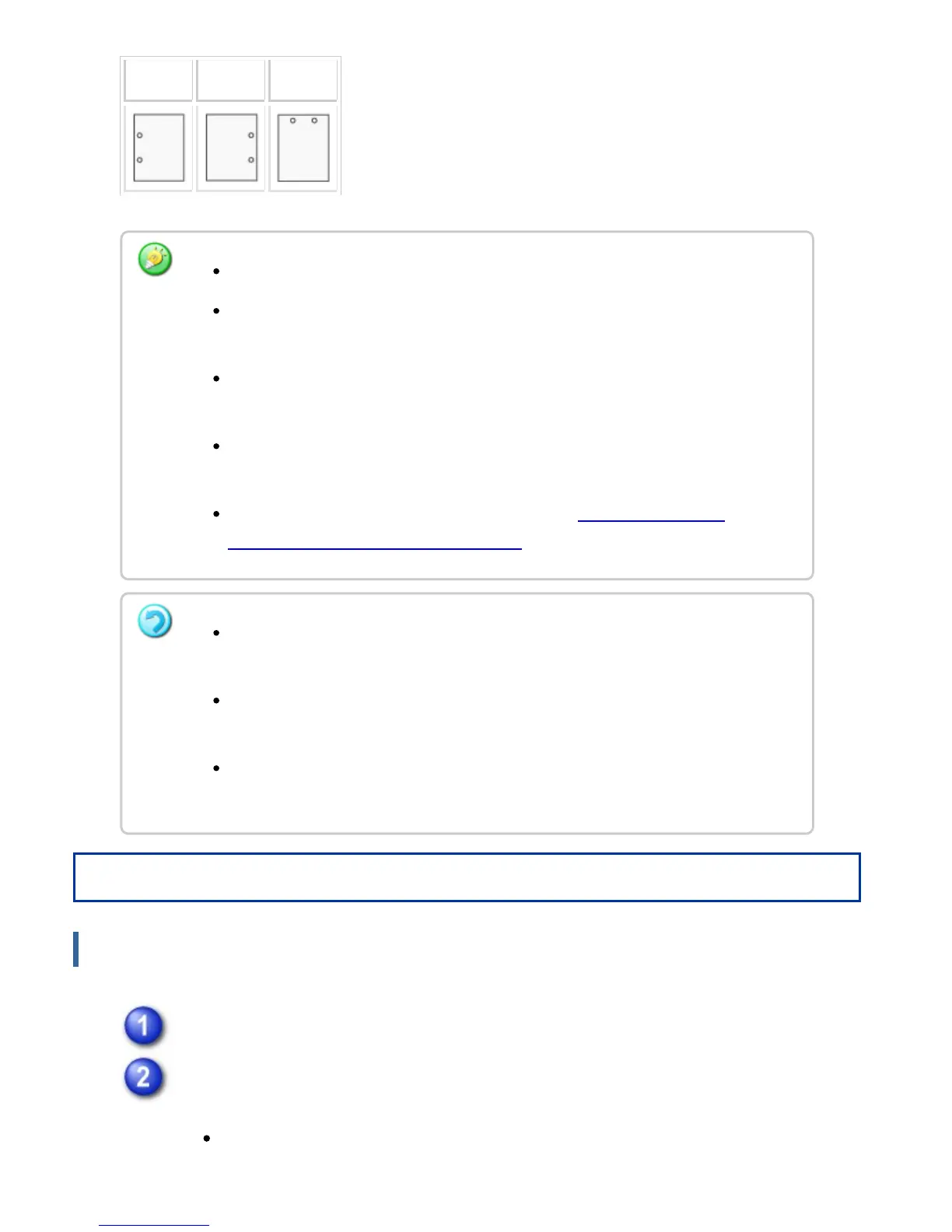
Left Right Top
Operation
Windows
Click the [Main] tab and select "Binding Edge".
Select the staple function or the punch function.
For the staple function, select the number of staples in the "Staple" menu.
A finisher or saddle finisher is required to use the staple function.
To use the punch function, install a punch module in the finisher or saddle
finisher.
For the maximum number of sheets that can be stapled, see "SPECIFICATIONS"
in the Quick Start Guide.
The maximum number of sheets that can be stapled at once includes any covers
and/or inserts that are inserted.
For information on the saddle stitch function, see "CREATE A STAPLED
PAMPHLET (Pamphlet copy/saddle stitch) ".
The staple and offset (shifting the position of the paper that is output for each
job) functions cannot be used simultaneously.
When the finisher is disabled in the machine's settings, the staple function and
punch function cannot be used.
When the staple function or the punch function is disabled in the machine's
settings, stapling or punching is not possible.
USER'S MANUAL | MX-M365N/MX-M465N/MX-M565N USER'S ... http://siica.sharpusa.com/portals/0/downloads/Manuals/MX-M365N-M...
435 of 1441 3/17/2016 7:14 AM



 To Next Page