PRINTING WITH MARGIN SHIFT
SETTING
(MARGIN)
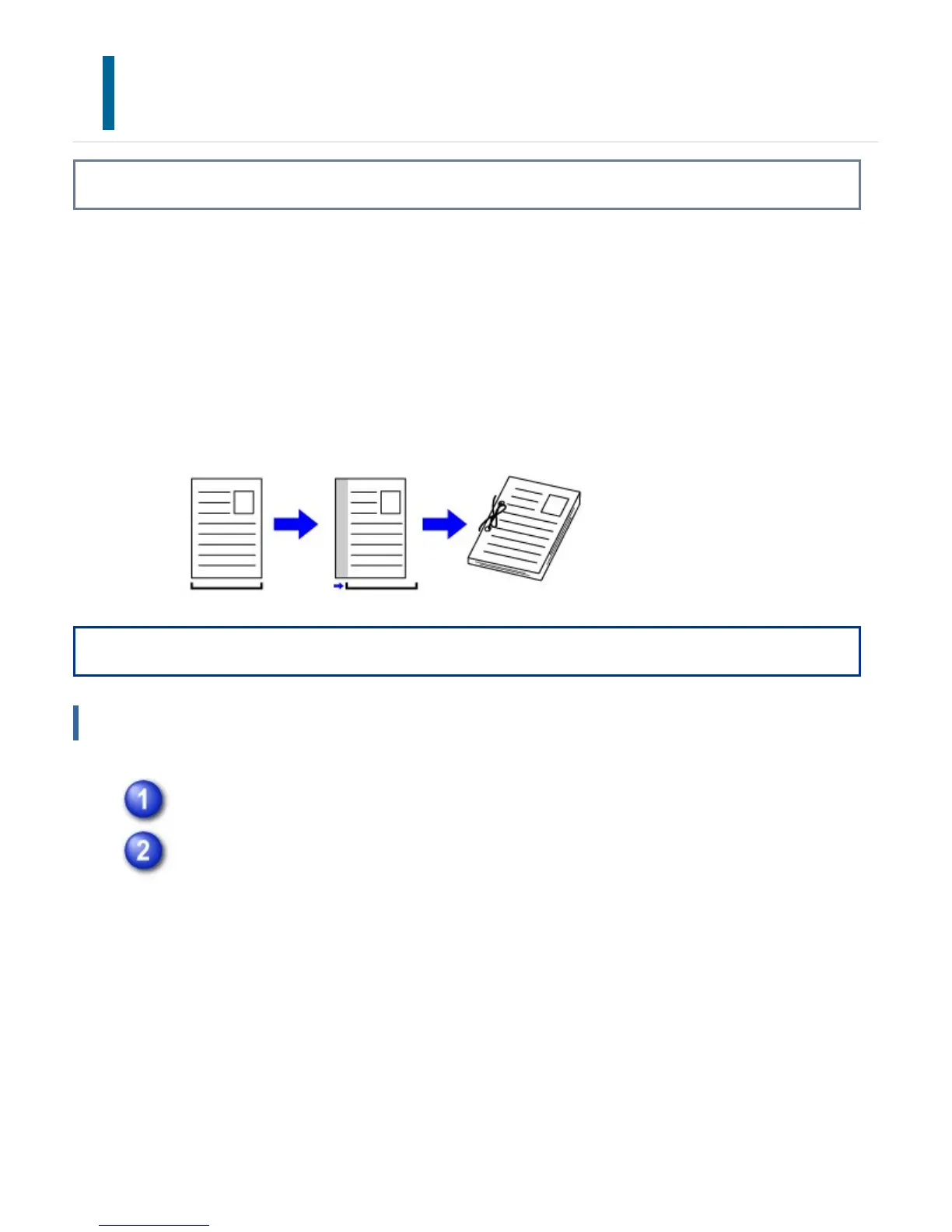
Overview
This function shifts the print image to increase the margin at the left, the right, or the
top of the paper.
If a finisher or saddle finisher is installed, the staple and punch functions of the machine
can also be used together.
This is convenient when you wish to staple or punch the output but the binding area
overlaps the text.
Operation
Windows
Click the [Main] tab and select "Binding Edge".
Select "Margin Shift".
Select from the "Margin Shift" menu.If you wish to configure another numeric
setting, select the setting from the pull-down menu and click the [Settings]
button. Click buttons or directly enter the number.
USER'S MANUAL | MX-M365N/MX-M465N/MX-M565N USER'S ... http://siica.sharpusa.com/portals/0/downloads/Manuals/MX-M365N-M...
439 of 1441 3/17/2016 7:14 AM



 To Next Page