PRINTING FAINT TEXT AND LINES IN
BLACK
(TEXT TO BLACK/VECTOR TO BLACK)
Overview
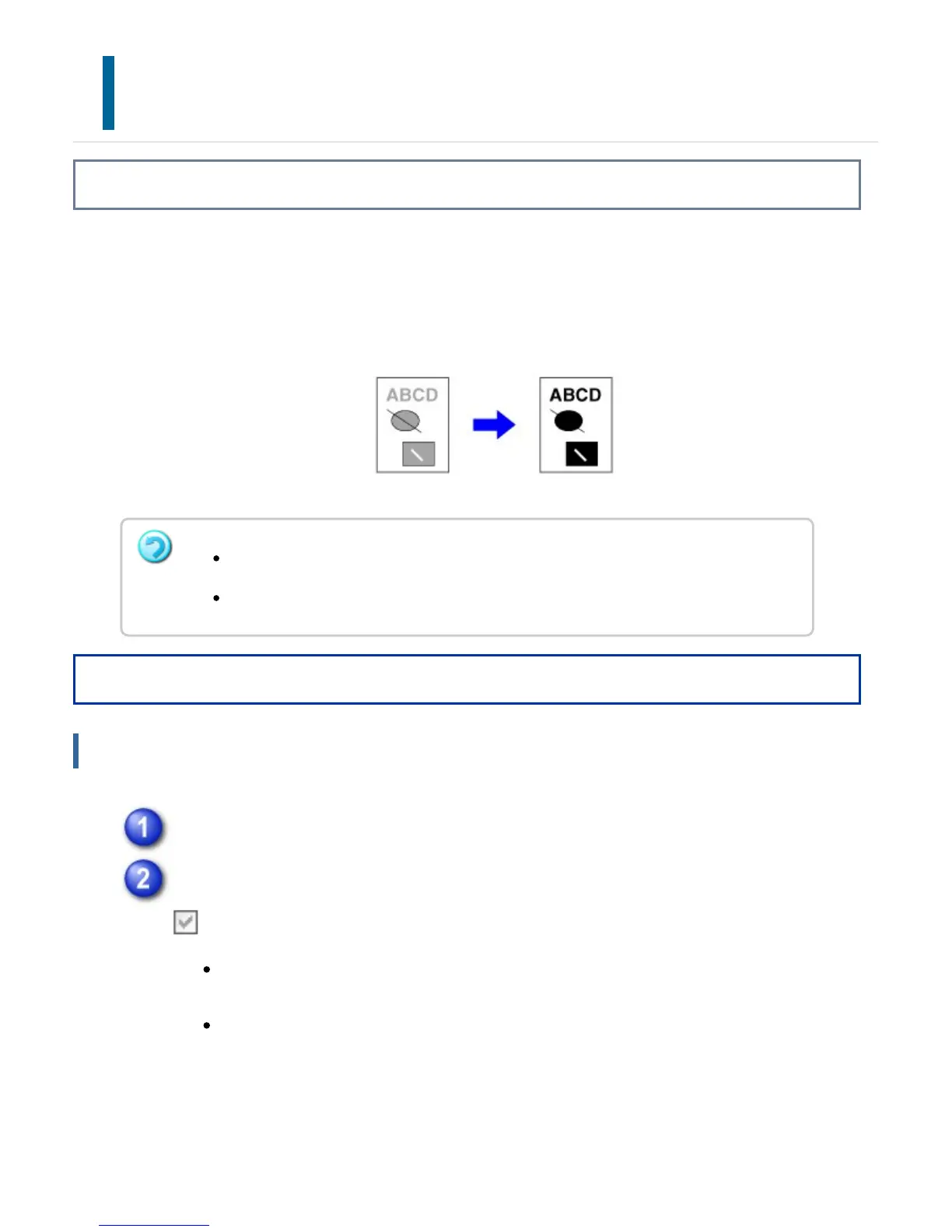
When printing a color image, text and lines that are drawn in faint colors are printed in
black. This function allows you to bring out color text and lines that are faint and difficult
to see.
Operation
Windows
Click the [Advanced] tab.
Select the [Text To Black] checkbox and/or the [Vector To Black] checkbox
.
When [Text To Black] is selected, all text other than white text is printed in
black.
When [Vector To Black] is selected, all vector graphics other than white
lines and areas are printed in black.
Raster data such as bitmap images cannot be adjusted.
This function is available in a Windows environment.
USER'S MANUAL | MX-M365N/MX-M465N/MX-M565N USER'S ... http://siica.sharpusa.com/portals/0/downloads/Manuals/MX-M365N-M...
454 of 1441 3/17/2016 7:14 AM



 To Next Page