OVERLAY A FIXED FORM ON THE PRINT
DATA
(OVERLAYS)
Overview
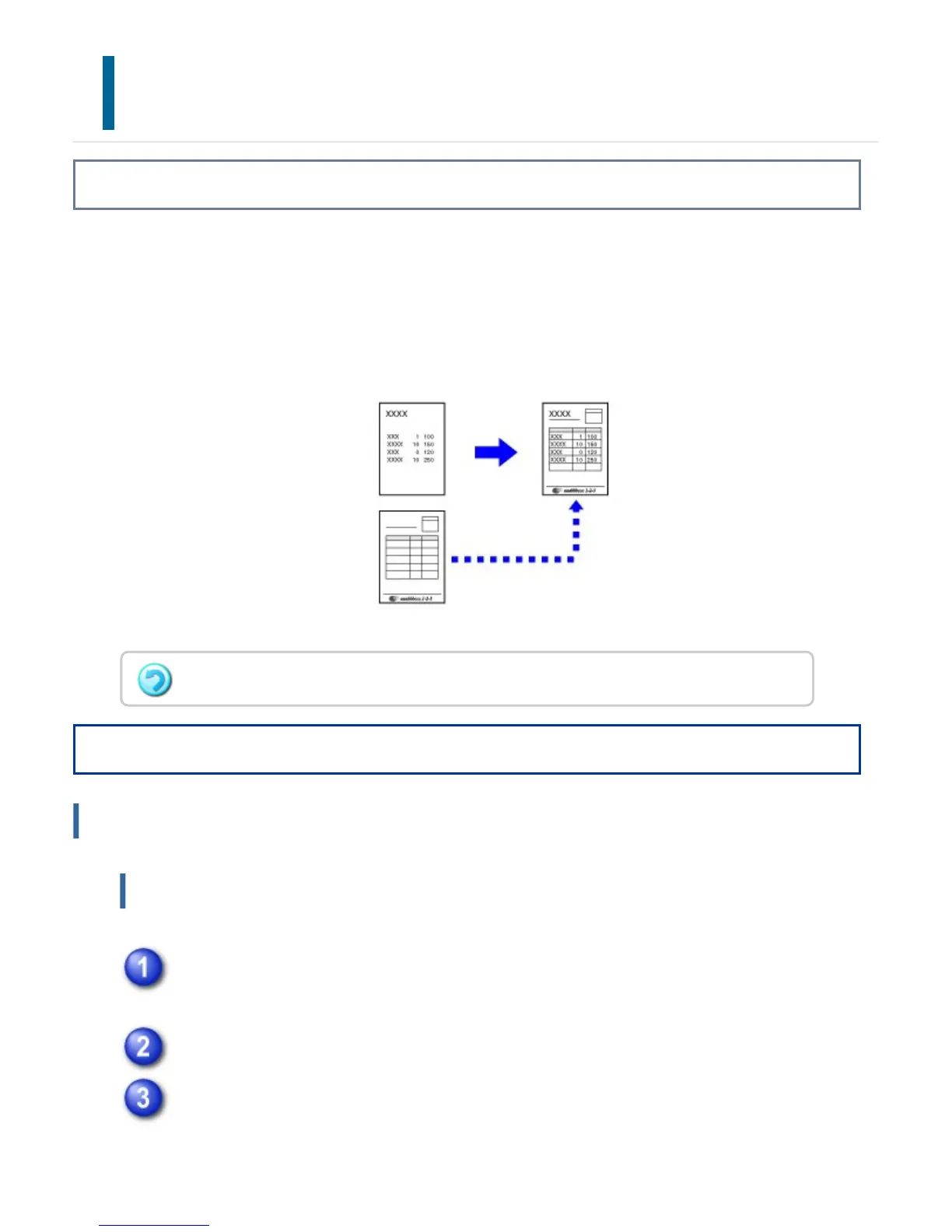
This function overlays data on a fixed form you have prepared.
By creating table rulings or a decorative frame in an application different from that of
the text file and registering the data as an overlay file, an attractive print result can be
easily obtained without the need for complex manipulations.
Operation
Windows
Creating an overlay file
Open the driver properties window from the application that is used for
creating overlay data.
Click the [Advanced] tab and click the [Edit] button in [Overlays].
Click the [Create Overlay] button and specify the name and folder to be used
for the overlay file that you wish to create.
This function is available in a Windows environment.
USER'S MANUAL | MX-M365N/MX-M465N/MX-M565N USER'S ... http://siica.sharpusa.com/portals/0/downloads/Manuals/MX-M365N-M...
460 of 1441 3/17/2016 7:14 AM



 To Next Page