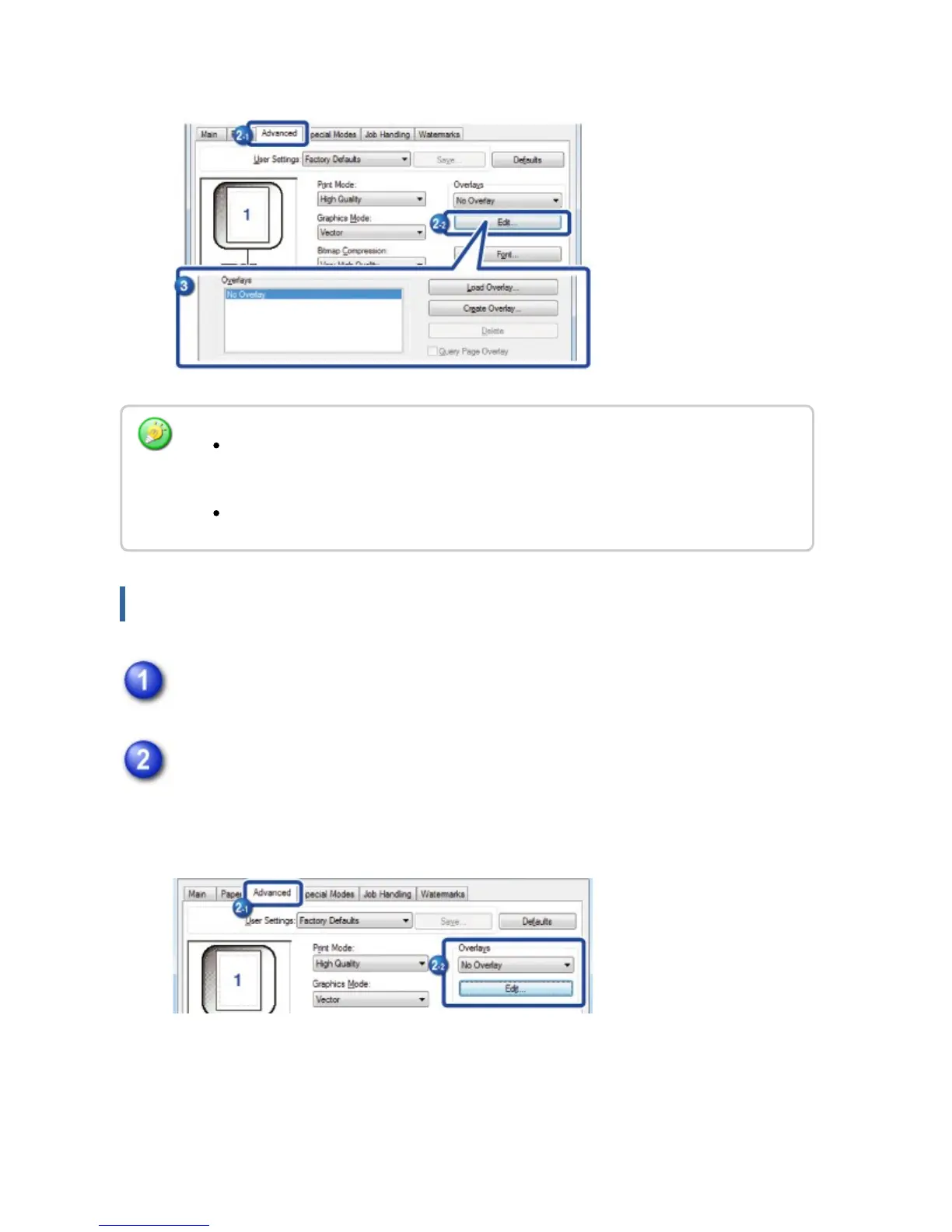
The file will be created when the settings are completed and printing is started.
Printing with an overlay file
Open the driver properties window from the application that is used for
printing with an overlay file.
Click the [Advanced] tab and select [Overlays].
A previously created or stored overlay file can be selected from the pull-down
menu.
When printing is started, a confirmation message will appear. The overlay file will
not be created until the [Yes] button is clicked.
When you click the [Store] button, the existing overlay file is registered.
USER'S MANUAL | MX-M365N/MX-M465N/MX-M565N USER'S ... http://siica.sharpusa.com/portals/0/downloads/Manuals/MX-M365N-M...
461 of 1441 3/17/2016 7:14 AM



 To Next Page