PRINTING SPECIFIC PAGES ON DIFFERENT
PAPER
(DIFFERENT PAPER)
Overview
In a Windows environment
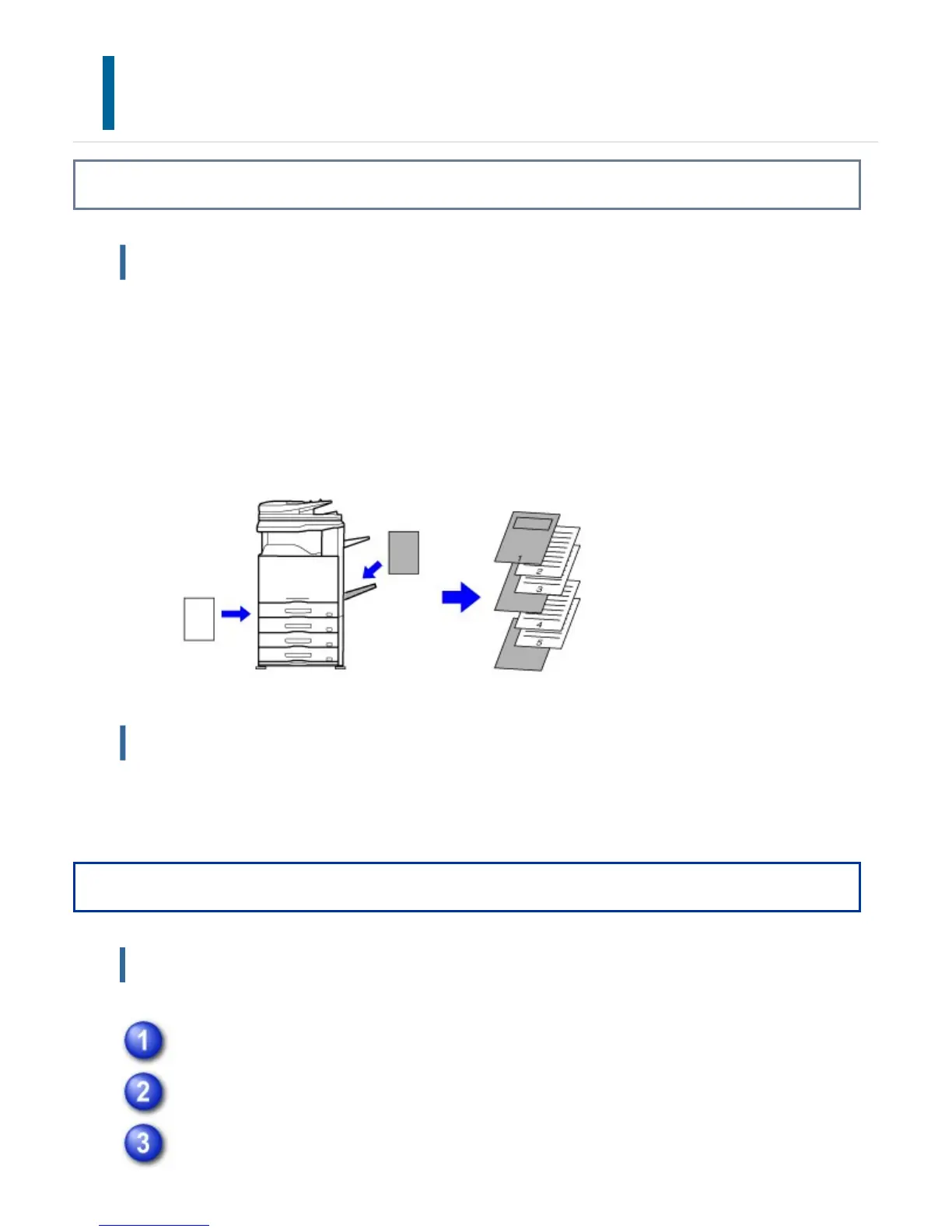
The front and back covers and specified pages of a document are printed on paper that
is different from the other pages.
Use this function when you wish to print the front and back covers on heavy paper, or
insert colored paper or a different paper type at specified pages.
As necessary, paper can be inserted as insertion sheets where nothing is printed.
In a Macintosh environment
The front and back covers are printed using paper that is different from the other pages.
This function can be used, for example, when you want to print only the front cover and
last page on thick paper.
Operation
Windows
Click the [Special Modes] tab.
Select [Different Paper] and click the [Settings] button.
Select the paper insertion settings.
USER'S MANUAL | MX-M365N/MX-M465N/MX-M565N USER'S ... http://siica.sharpusa.com/portals/0/downloads/Manuals/MX-M365N-M...
462 of 1441 3/17/2016 7:14 AM



 To Next Page