USING TWO MACHINES TO PRINT A LARGE
PRINT JOB
(TANDEM PRINT)
Overview
To use this function, two machines that can perform tandem printing are required.
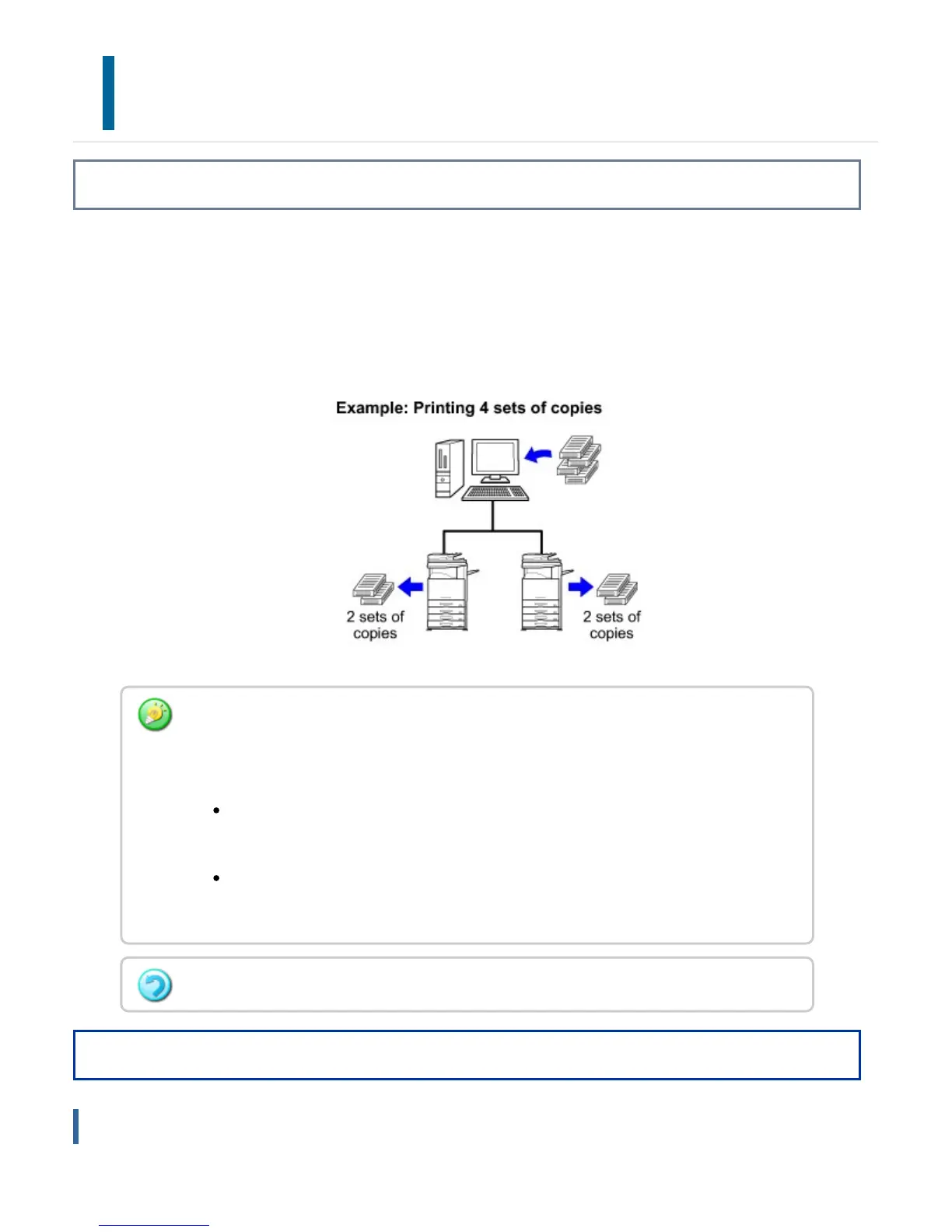
Two machines connected to the same network are used to run a large copy job in
parallel. This function reduces the printing time when you handle a large number of
prints.
Operation
Windows
To use the tandem print function, the IP address of the slave machine configured in
[System Settings] in "Setting mode" → [Device Control→[Tandem Connection Setting]
must be registered in the printer driver.
In a Windows environment, this is accomplished automatically by clicking the
[Auto Configuration] button on the [Options] tab of the printer driver.
In a Macintosh environment, this is accomplished automatically by clicking the
[Tandem Settings] button.
In a Macintosh environment, this function is only available when using Mac OS X.
USER'S MANUAL | MX-M365N/MX-M465N/MX-M565N USER'S ... http://siica.sharpusa.com/portals/0/downloads/Manuals/MX-M365N-M...
488 of 1441 3/17/2016 7:14 AM



 To Next Page