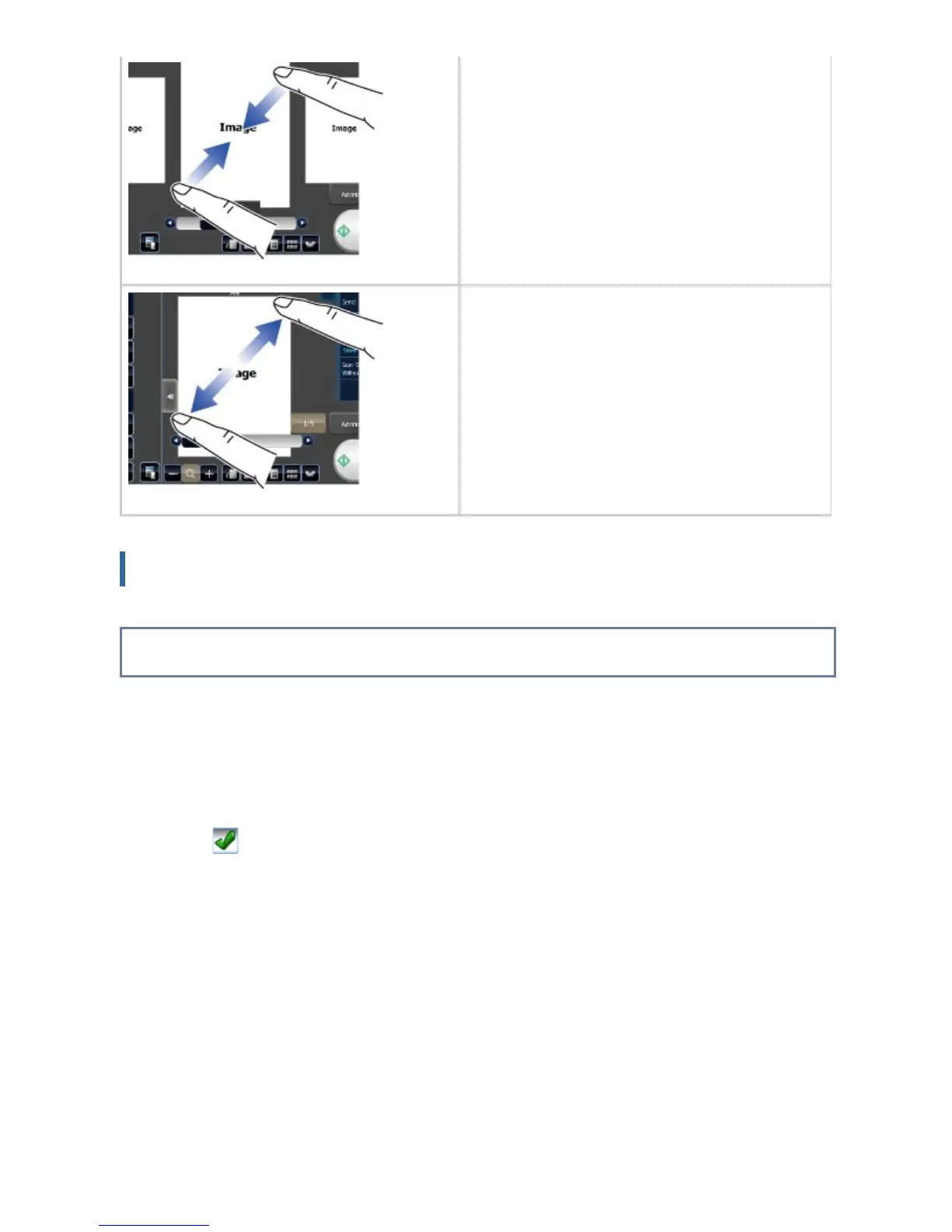
Pinch
Touch the screen with two fingers and move
them toward each other. This is used to redu
ce the browser and preview display.
Spread
Touch the screen with two fingers and move
them away from each other. This is used to e
nlarge the browser and preview display.
Operation on respective screens
Key (tapping)
A. Tap to select an item. The selected key turns into a different color.
B. Tap numeric keys to enter numbers.
C. Tap to increase or decrease the value. Long touching causes the value to be increased
or decreased until you stop touching.
D. Activate to enable the setting.
E. Tap here to close the screen.
USER'S MANUAL | MX-M365N/MX-M465N/MX-M565N USER'S ... http://siica.sharpusa.com/portals/0/downloads/Manuals/MX-M365N-M...
49 of 1441 3/17/2016 7:14 AM



 To Next Page