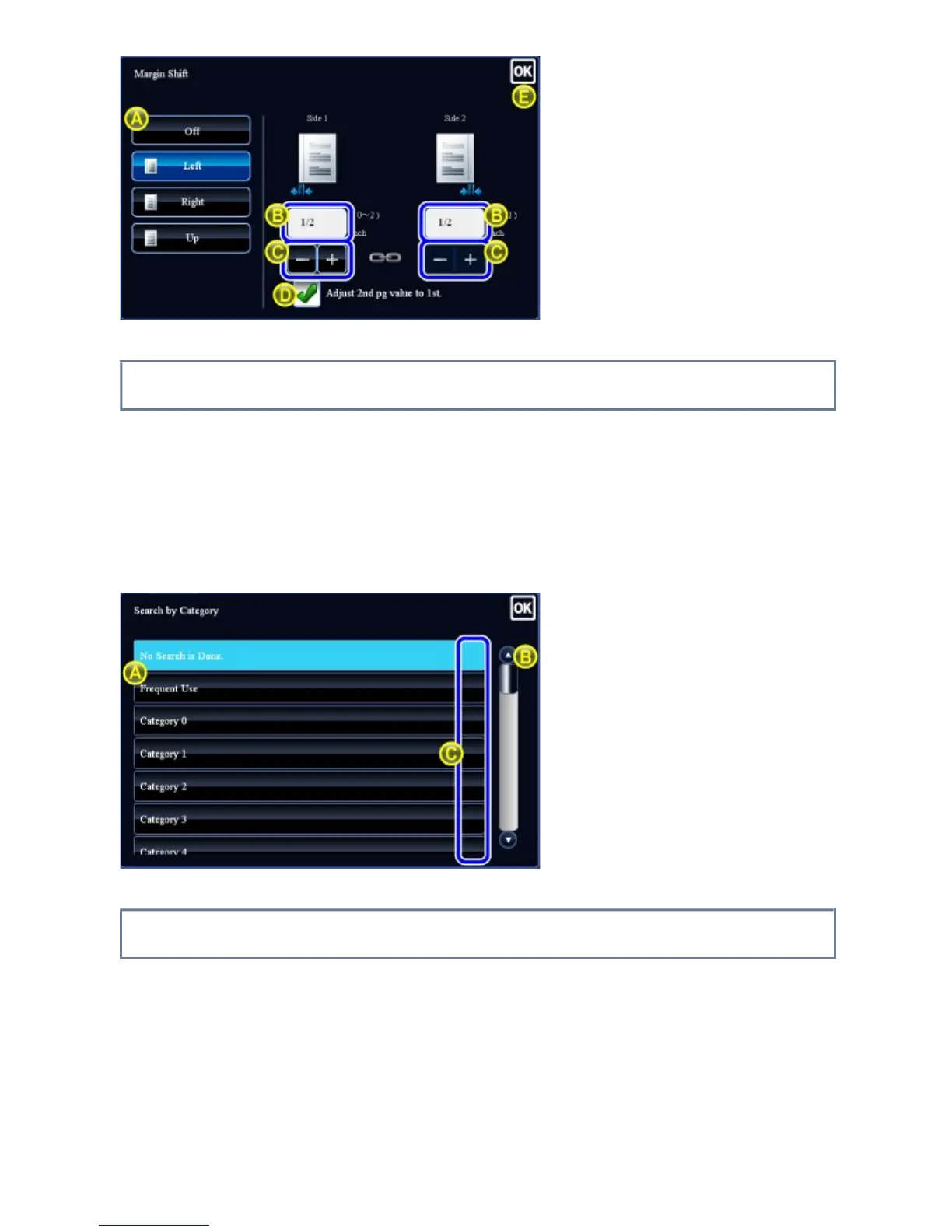
List (tapping, sliding and flicking)
A. Tap to select an item. The selected item changes to a different color.
B. Drag the bar up and down.
It appears when the item does not fit in the screen.
C. Flick the key upwards or downwards. The item scrolls up or down.
Slider (sliding)
A. Slide the knob from side to side.
USER'S MANUAL | MX-M365N/MX-M465N/MX-M565N USER'S ... http://siica.sharpusa.com/portals/0/downloads/Manuals/MX-M365N-M...
50 of 1441 3/17/2016 7:14 AM



 To Next Page